
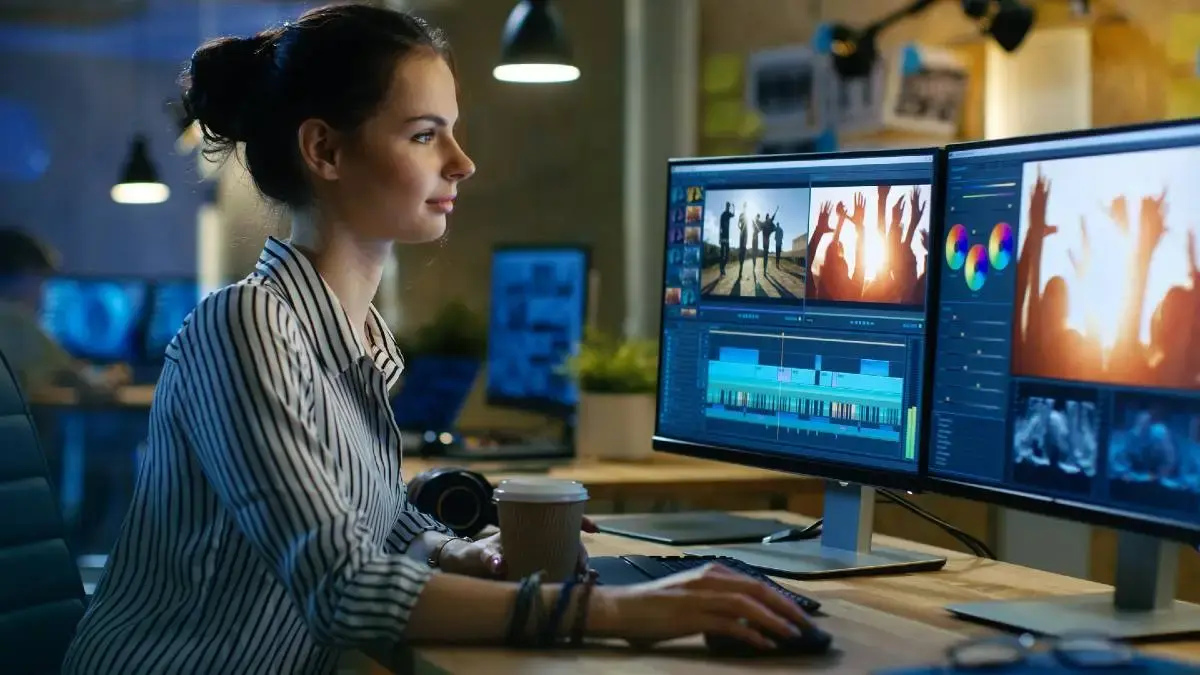
Social media platforms like Instagram, TikTok, YouTube, and Facebook are overflowing with video content every day. With millions of posts competing for attention, simply recording a video is not enough. Video editing for social media is what separates average content from viral hits. Properly edited videos can grab attention, tell a compelling story, and increase engagement. In this guide, we’ll walk you through everything you need to know to create professional, scroll-stopping videos.
Why Video Editing is Crucial for Social Media
Editing is more than cutting clips together; it’s about storytelling, branding, and engagement. Here’s why it matters:
- Grabs Attention Fast: The average social media user scrolls through hundreds of posts daily. Engaging visuals, dynamic cuts, and text overlays help you stand out.
- Boosts Engagement: Well-edited videos encourage viewers to like, comment, share, and follow, increasing reach and visibility.
- Improves Storytelling: Editing allows you to structure your content, highlight key moments, and communicate your message clearly.
- Builds Brand Identity: Consistent styles, colors, and graphics make your content instantly recognizable.
- Optimizes for Platforms: Each platform favors specific formats, lengths, and styles. Editing helps your video perform better where it’s shared.
Must-Have Video Editing Tools
Whether you are a beginner or a pro, the right tools make a huge difference:
| Tool | Best For | Key Features |
| Adobe Premiere Pro | Professional editors | Advanced transitions, color grading, audio mixing |
| Final Cut Pro | Mac users | Smooth workflow, multi-camera editing, motion graphics |
| CapCut | Mobile editors, TikTok | Easy-to-use effects, templates, trending sounds |
| InShot | Quick Instagram/TikTok edits | Filters, text overlays, stickers, aspect ratio control |
| DaVinci Resolve | Free professional editing | Color correction, visual effects, audio enhancements |
Pro Tip: If you’re editing on your phone, CapCut or InShot are perfect. For desktop editing, Premiere Pro or DaVinci Resolve gives you professional-grade results.
You may also like it:
DSLR Camera Editing App For Professional Photos – Aarya Editz
PicSay Pro Mod APK Free Download – All Features Unlocked
LR Editing App Download – Unlock Premium Features Free
Essential Steps for Editing Social Media Videos
- Plan Your Content
- Storyboard your video before shooting.
- Define the goal: entertain, inform, or promote.
- Keep the audience in mind: what will make them stop scrolling?
- Storyboard your video before shooting.
- Shoot High-Quality Footage
- Use natural lighting whenever possible.
- Stabilize your camera using a tripod or gimbal.
- Shoot extra clips for flexibility during editing.
- Use natural lighting whenever possible.
- Trim and Arrange Clips
- Remove unnecessary footage to keep the video concise.
- Organize clips in chronological or thematic order.
- Remove unnecessary footage to keep the video concise.
- Add Transitions and Effects
- Smooth transitions keep viewers engaged.
- Subtle effects enhance storytelling without distracting.
- Smooth transitions keep viewers engaged.
- Include Music and Sound Effects
- Use trending songs for TikTok or Reels to increase discoverability.
- Add sound effects for emphasis (e.g., “ding” for highlights).
- Use trending songs for TikTok or Reels to increase discoverability.
- Add Captions and Text Overlays
- Many viewers watch videos without sound.
- Highlight key points or quotes for better understanding.
- Many viewers watch videos without sound.
- Color Grading and Visual Consistency
- Adjust brightness, contrast, and color tone for a polished look.
- Use consistent color palettes for brand recognition.
- Adjust brightness, contrast, and color tone for a polished look.
- Export and Optimize for Each Platform
- TikTok/Reels: Vertical 9:16, 15–60 seconds.
- Instagram feed: Square 1:1 or vertical 4:5.
- YouTube Shorts: Vertical 9:16, under 60 seconds.
- YouTube standard videos: Horizontal 16:9, longer content.
- TikTok/Reels: Vertical 9:16, 15–60 seconds.
Advanced Techniques to Make Your Videos Stand Out
- Motion Graphics & Animations: Animated intros, lower thirds, and graphics grab attention.
- Speed Manipulation: Slow-motion or time-lapse adds cinematic flair.
- Overlay Effects: Light leaks, glitch effects, and lens flares create a modern aesthetic.
- Transitions Between Scenes: Use jump cuts, zoom cuts, or swipe transitions to keep the flow dynamic.
- Calls-to-Action (CTA): Encourage viewers to like, comment, or follow directly within the video.
Common Mistakes to Avoid
- Overloading the video with effects that distract from the message.
- Ignoring audio quality – clear sound is just as important as visuals.
- Posting long videos without purpose; brevity is key on social media.
- Using inconsistent styles that confuse your audience or dilute your brand.
Tips for Maximum Engagement
- Test Different Formats: Experiment with vertical, square, and horizontal videos.
- Use Trending Content: Incorporate popular music, hashtags, and challenges.
- Engage Quickly: Hook viewers in the first 3 seconds.
- Monitor Analytics: Track engagement rates to see what resonates with your audience.
Conclusion
Mastering video editing for social media is no longer optional—it’s essential for anyone who wants to grow their online presence. With proper planning, the right tools, and attention to detail, your videos can capture attention, tell compelling stories, and boost engagement. Start small, practice often, and refine your style to create videos that your audience loves.
FAQs About Video Editing for Social Media
1. What is video editing for social media?
Video editing for social media is the process of enhancing, trimming, and arranging video clips to make them engaging, professional, and optimized for platforms like Instagram, TikTok, YouTube, and Facebook.
2. Which video editing tools are best for beginners?
For beginners, mobile-friendly apps like CapCut and InShot are perfect. They offer templates, effects, text overlays, and easy-to-use interfaces.
3. How long should social media videos be?
TikTok/Reels: 15–60 seconds
Instagram Feed: 30–60 seconds
YouTube Shorts: Up to 60 seconds
YouTube Standard Videos: 3–10 minutes (or longer for tutorials/entertainment)
4. What’s the best video format for social media?
Vertical (9:16) for TikTok, Instagram Reels, YouTube Shorts
Square (1:1) for Instagram Feed
Horizontal (16:9) for YouTube standard videos
5. Do I need professional equipment to create social media videos?
No. You can start with a smartphone with good camera quality, natural lighting, and a tripod. Editing apps can make your videos look professional even without high-end equipment.
