
A simple, clear guide written in a friendly way
If you’re starting a YouTube channel, one of the most common questions is:
What video editing software do YouTubers use?
The simple answer is that YouTubers use different tools depending on their experience level, budget, and type of content. Some prefer easy apps, while professionals use advanced software.
Let’s go through the most popular options so you can understand what works best.
Most Popular Video Editing Software Used by YouTubers
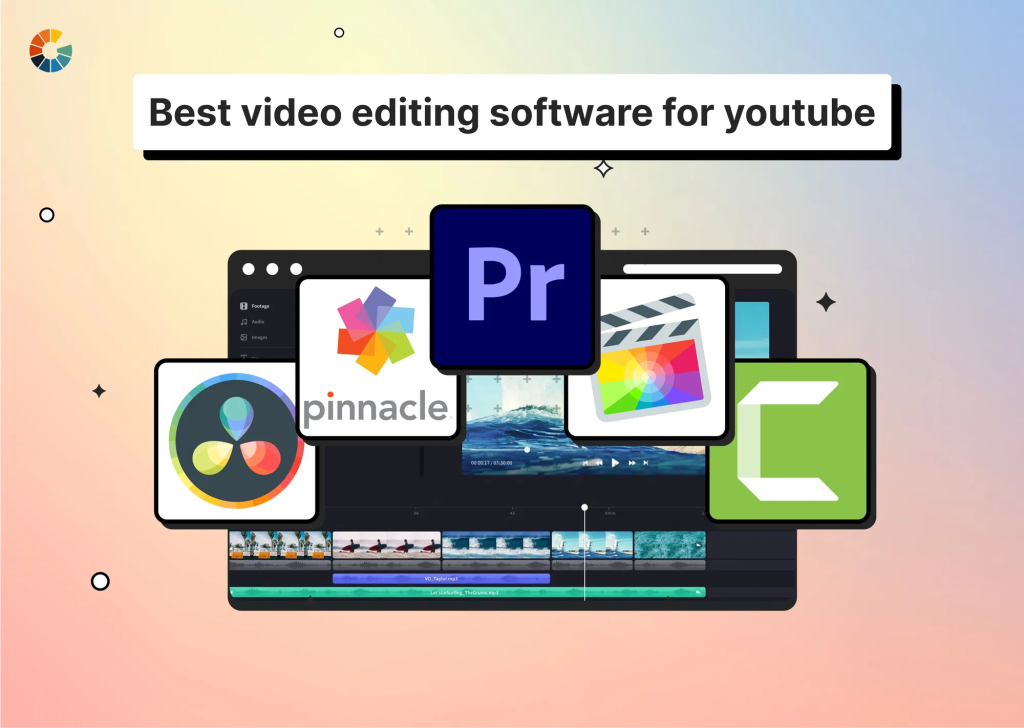
Adobe Premiere Pro
This is one of the most widely used editing tools among professional YouTubers.
- Advanced editing features
- Industry-standard software
- Works with other Adobe tools
Best for: Professionals and serious creators
Downside: Requires a paid subscription
Final Cut Pro
A powerful editing tool designed for Mac users.
- Fast and smooth performance
- One-time payment
- High-quality output
Best for: Mac users
Downside: Only available on Apple devices
DaVinci Resolve
A professional tool that also offers a strong free version.
- Advanced color grading
- Professional editing features
- Free version available
Best for: Beginners and professionals
Downside: Slight learning curve
CapCut
A very popular choice for beginners and short-form content creators.
- Easy to use
- Free with built-in effects
- Great for short videos
Best for: Beginners and mobile users
Downside: Limited advanced features
iMovie
A simple editing tool for beginners.
- Free on Apple devices
- Easy interface
- Basic editing tools
Best for: New YouTubers
Downside: Limited functionality
You may also like it:
Lightroom Effects Download – Easy Guide For Stunning Edits
Lightroom Effects Download – Easy Guide For Stunning Edits
Vlog Video Editing Tips For Stunning YouTube Vlogs
Wondershare Filmora
A balanced option between beginner and professional tools.
- User-friendly interface
- Built-in templates and effects
- Works on multiple devices
Best for: Intermediate users
Downside: Paid features for full access
What Do Big YouTubers Use?
Most professional YouTubers use tools like Adobe Premiere Pro, Final Cut Pro, or DaVinci Resolve. Some creators also hire editors instead of editing videos themselves.
In many cases, creators use more than one tool depending on the project.
How to Choose the Right Software
Here’s a simple way to decide:
- If you’re a beginner: CapCut, iMovie, or Filmora
- If you want professional results: Premiere Pro or DaVinci Resolve
- If you use a Mac: Final Cut Pro
The key is to start simple and improve your skills over time
Final Thoughts
There is no single answer to what video editing software YouTubers use. The best software depends on your needs, skills, and budget.
Focus on learning editing basics first. Once you’re comfortable, you can move to more advanced tools.
FAQs: What Video Editing Software Do YouTubers Use
1. What video editing software do YouTubers use the most?
Most YouTubers use Adobe Premiere Pro, Final Cut Pro, or DaVinci Resolve for professional editing.
2. Which video editing software is best for beginners?
CapCut, iMovie, and Filmora are great for beginners because they are easy to use and require less technical knowledge.
3. Is free video editing software good for YouTube?
Yes, free tools like DaVinci Resolve and CapCut are powerful enough to create high-quality YouTube videos.
4. Do YouTubers edit their own videos?
Some YouTubers edit their own content, especially beginners. Larger creators often hire professional editors.
5. Can I use mobile apps for YouTube editing?
Yes, apps like CapCut allow you to edit videos directly on your phone and are suitable for many types of content.
