
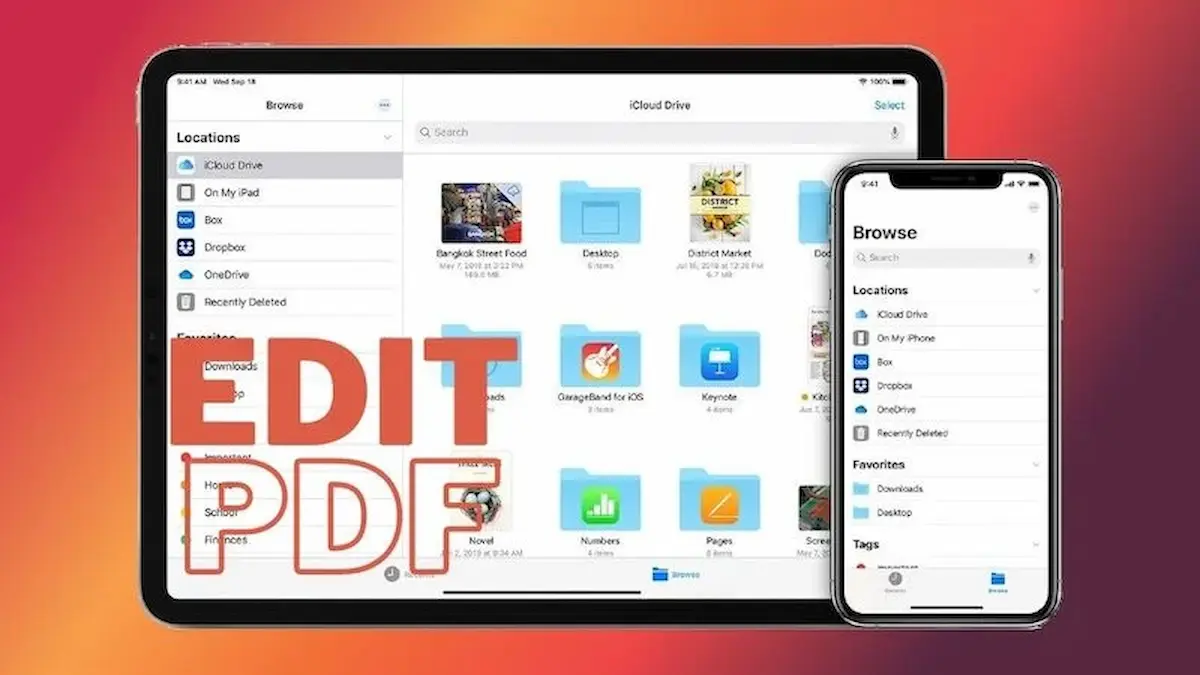
PDF files are used everywhere for documents reports forms study materials and business communication iPhone users often need to view edit and manage these files in their daily tasks
The good news is that you can easily edit PDF on iPhone for free without needing any computer or paid software Apple provides built-in tools and there are also free apps that make PDF editing simple and fast
In 2026 iPhones have become even more powerful for document handling allowing users to highlight text add notes sign documents and make quick changes directly from their device
Whether you are a student office worker or business user learning how to edit PDF on iPhone free can save time improve productivity and make document management much easier
This guide will help you understand all the free methods tools and apps you can use to edit PDF files on your iPhone step by step
What Does Editing a PDF Mean?
Editing a PDF means making changes or adding information to a PDF file without changing its original format
It allows users to modify documents while keeping the layout text and design the same across all devices
Simple Meaning
In simple words PDF editing means updating or improving a document file such as adding notes highlighting text or inserting a signature
Common Types of PDF Editing
On iPhone you can do many basic editing tasks such as
- Adding text to a document
- Highlighting important information
- Writing notes or comments
- Drawing or marking sections
- Adding digital signatures
- Filling out forms
Why PDF Editing Is Useful
PDF editing is helpful because it allows users to quickly update documents without printing or using a computer
Who Uses PDF Editing on iPhone
Many people use PDF editing including
- Students for assignments and notes
- Office workers for reports and contracts
- Business users for agreements and invoices
- Freelancers for client documents
How PDF Editing Works on iPhone
iPhone uses built-in tools like Markup and Files app along with free PDF apps to let users make quick changes easily
Importance in Daily Life
PDF editing saves time improves productivity and helps users manage documents more efficiently from anywhere
Overall PDF editing is an important feature that makes digital document handling simple fast and convenient on iPhone in 2026
How to Edit PDF on iPhone Free Using Markup Tool
The easiest and most popular way to edit PDF files on iPhone for free is by using the built-in Markup tool Apple provides this feature in iOS so you do not need any extra apps or paid software
What Is the Markup Tool?
Markup is a free built-in iPhone feature that allows users to edit annotate and sign PDF documents directly
Steps to Edit PDF Using Markup
- Open the PDF file in the Files app Mail or Messages
- Tap on the PDF to open it
- Select the Markup icon (pen tip icon)
- Choose editing tools from the toolbar
- Make your changes
- Tap Done to save the file
Features of Markup Tool
With Markup you can
- Highlight text
- Add handwritten notes
- Draw shapes or lines
- Insert text boxes
- Add your signature
- Erase unwanted markings
How to Add Text in PDF Using Markup
- Open Markup tool
- Tap the “+” icon
- Select Text option
- Type your content
- Move and resize text box
How to Sign PDF Using Markup
- Open PDF in Markup
- Tap signature tool
- Create or select your signature
- Place it anywhere on the document
Advantages of Using Markup Tool
- Completely free
- No app installation required
- Easy to use for beginners
- Fast editing process
- Works offline
Limitations of Markup Tool
- Basic editing only
- No advanced formatting options
- Not suitable for large or complex documents
Best Use Cases
Markup is perfect for
- Signing contracts
- Adding quick notes
- Highlighting study material
- Filling simple forms
Overall the Markup tool is the simplest and fastest way to edit PDF files on iPhone for free making it ideal for everyday document tasks in 2026.
You may also like it:
How To Edit Image Text In Word – Aarya Editz
How To Edit Video In Iphone – Aarya Editz
How To Edit Resume In Laptop – Aarya Editz
How To Edit Photos In Mobile – Aarya Editz
How to Edit PDF on iPhone Using Files App
The Files app is another simple and free way to edit PDF documents on iPhone It comes built-in with iOS and allows users to manage view and make basic edits to PDF files without installing extra apps
What Is the Files App?
The Files app is Apple’s built-in file manager that stores documents photos downloads and PDFs in one place
Steps to Edit PDF Using Files App
- Open the Files app on your iPhone
- Find and tap the PDF file you want to edit
- Open the file in preview mode
- Tap the Markup icon for editing options
- Make your changes
- Tap Done to save updates
Editing Features Available in Files App
Using Files app with Markup you can
- Highlight text
- Add notes and comments
- Draw shapes or lines
- Insert signatures
- Add text boxes
Organizing PDFs in Files App
The Files app also helps you keep PDFs organized by allowing you to
- Create folders
- Rename files
- Move documents between folders
- Search PDFs easily
Sharing Edited PDFs
After editing you can quickly share PDFs directly from the Files app using
- AirDrop
- Messaging apps
- Cloud storage services
Advantages of Files App for PDF Editing
- Free and already installed on iPhone
- Easy file management system
- Fast access to documents
- Works offline How To Edit Pdf On Iphone Free
- Secure storage options
Limitations of Files App
- Only basic editing features
- No advanced PDF editing tools
- Limited formatting options
Best Use Cases
The Files app is best for
- Quick PDF edits
- Organizing documents
- Adding signatures
- Highlighting important text
Overall the Files app is a simple and effective solution for basic PDF editing on iPhone especially for users who want fast and free document management in 2026 How To Edit Pdf On Iphone Free
How to Edit PDF on iPhone Using Apple Books
Apple Books is another free and easy way to view and make basic edits to PDF files on iPhone It provides a clean reading experience along with simple annotation tools
What Is Apple Books?
Apple Books is a built-in iPhone app designed for reading ebooks and PDFs It also allows users to highlight text add notes and organize documents How To Edit Pdf On Iphone Free
Steps to Edit PDF in Apple Books
- Open the PDF file on your iPhone
- Tap the Share button
- Select Apple Books from the options
- Open the file in Apple Books
- Use annotation tools to make edits How To Edit Pdf On Iphone Free
- Changes are saved automatically
Editing Features in Apple Books
Apple Books allows you to
- Highlight important text
- Add notes and comments
- Bookmark pages
- Draw simple markings
- Read documents offline
Organizing PDFs in Apple Books
You can easily manage your PDFs by
- Creating collections
- Sorting documents
- Deleting unwanted files How To Edit Pdf On Iphone Free
- Accessing recently viewed PDFs
Sharing Edited PDFs
After editing you can share PDFs directly from Apple Books using
- AirDrop
- Messaging apps How To Edit Pdf On Iphone Free
- Cloud storage
Advantages of Apple Books
- Completely free to use
- Clean and distraction-free reading interface
- Easy annotation tools How To Edit Pdf On Iphone Free
- Offline access
- Built-in iPhone app
Limitations of Apple Books
- Limited editing features
- No advanced text editing How To Edit Pdf On Iphone Free
- Cannot fully modify original PDF structure
Best Use Cases
Apple Books is ideal for
- Reading PDF documents
- Highlighting study notes How To Edit Pdf On Iphone Free
- Adding simple annotations
- Organizing ebooks and PDFs
Overall Apple Books is a simple and effective free tool for reading and basic editing of PDF files on iPhone in 2026
Best Free Apps to Edit PDF on iPhone
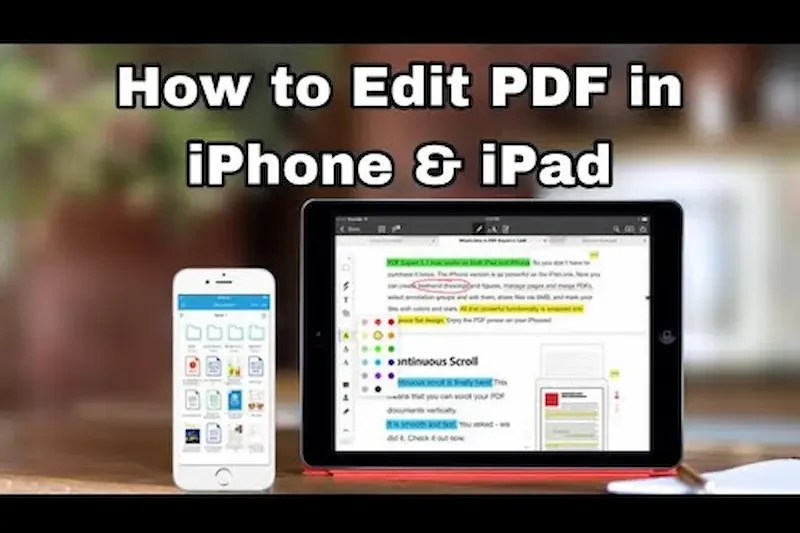
If you need more advanced features than built-in tools there are several free PDF apps available on iPhone that make editing easier and more powerful These apps help you manage edit and share PDF files more professionally without paying any money How To Edit Pdf On Iphone Free
Adobe Acrobat Reader
Adobe Acrobat Reader is one of the most popular free PDF apps for iPhone
Features
- View and edit PDF files
- Add comments and highlights How To Edit Pdf On Iphone Free
- Sign documents digitally
- Fill out PDF forms
- Cloud storage support
PDF Expert
PDF Expert is a powerful app designed for advanced and smooth PDF editing
Features
- Edit text and images in PDFs
- Add annotations and notes
- Merge and organize PDF files How To Edit Pdf On Iphone Free
- Fast and user-friendly interface
Foxit PDF Editor
Foxit PDF Editor is a lightweight and fast PDF editing app for iPhone users
Features
- Basic editing tools How To Edit Pdf On Iphone Free
- Add signatures and comments
- Easy file sharing
- Simple and clean design
CamScanner
CamScanner is mainly used for scanning documents but also supports PDF creation and editing
Features
- Scan documents into PDF
- Add text and annotations How To Edit Pdf On Iphone Free
- Improve image quality
- Share PDFs easily
Benefits of Using Free PDF Apps
- Advanced editing tools
- Better file organization How To Edit Pdf On Iphone Free
- Cloud syncing support
- Faster document handling
- Easy sharing across devices
Which App Should You Choose
- Beginners Adobe Acrobat Reader
- Advanced users PDF Expert
- Lightweight use Foxit PDF Editor
- Scanning and editing CamScanner
Overall these free PDF apps provide powerful tools for iPhone users to edit manage and share PDF files easily in 2026 without needing paid software How To Edit Pdf On Iphone Free
Can I edit PDF on iPhone for free
Yes you can edit PDF on iPhone for free using built-in tools like Markup Files app Apple Books and free apps
Which is the best free PDF editor for iPhone
Popular free options include Adobe Acrobat Reader PDF Expert and Foxit PDF Editor
Can I add text to PDF on iPhone free
Yes you can add text using the Markup tool or free PDF editing apps available on the App Store
Conclusion
Editing PDF files on iPhone for free is simple fast and very useful in 2026 thanks to built-in tools like Markup Files app and Apple Books along with powerful free apps available on the App Store
Whether you need to highlight text add notes sign documents or make quick edits your iPhone provides all the essential features without needing paid software or a computer
Free apps like Adobe Acrobat Reader PDF Expert and Foxit PDF Editor make advanced PDF editing even easier for students professionals and everyday users
Overall learning how to edit PDF on iPhone free helps you save time improve productivity and manage documents more efficiently anytime anywhere in a fully mobile workflow
