
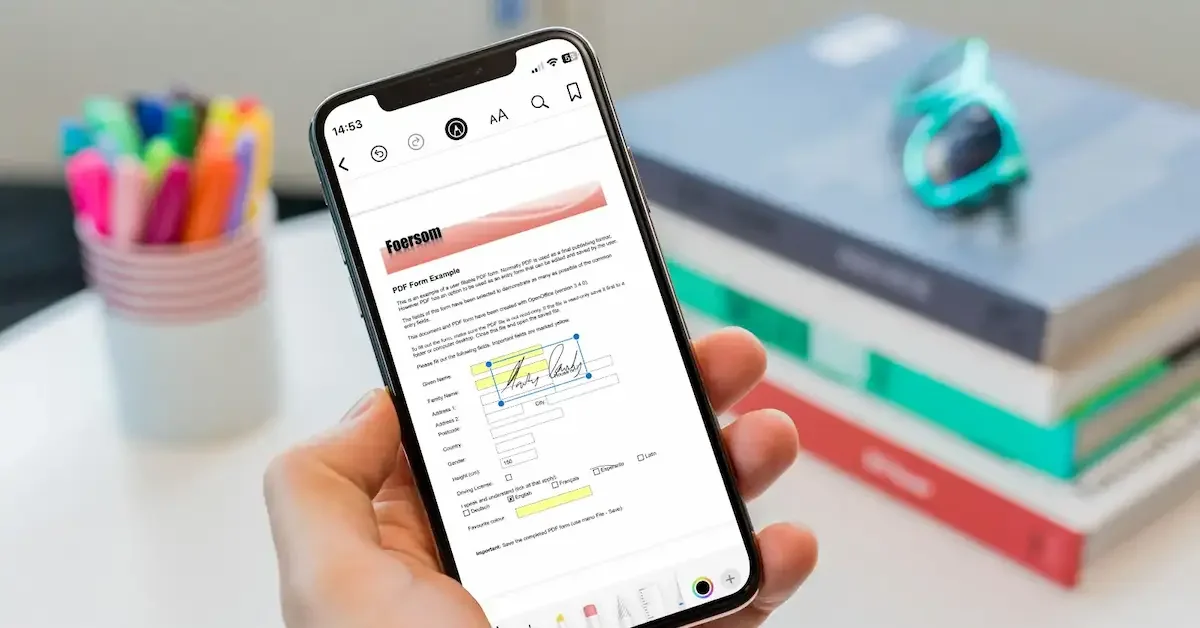
The iPhone has become one of the most powerful tools for everyday productivity, and one of its most useful features is handling PDF documents. From work files and school assignments to invoices, contracts, and forms, PDF files are used everywhere. That’s why having a reliable iPhone PDF editor is essential for anyone who wants to manage documents on the go.
An iPhone PDF editor allows you to view, edit, annotate, sign, and organize PDF files directly from your mobile device. Instead of depending on a computer, you can make quick changes, fill out forms, highlight important information, and share documents instantly using your iPhone.
With the rise of remote work and digital learning, more people are looking for fast and easy ways to manage their files. A good PDF editor makes this process simple by offering powerful tools in a mobile-friendly app. Whether you are a student editing notes, a professional handling business documents, or a casual user managing personal files, an iPhone PDF editor can save you time and improve productivity.
In this guide, we will explore what an iPhone PDF editor is, why it is useful, its key features, and the best apps available. This article will help you choose the right tool based on your needs and make PDF editing easier than ever on your iPhone.
What Is an iPhone PDF Editor?
An iPhone PDF editor is a mobile application that allows you to view, edit, modify, and manage PDF (Portable Document Format) files directly on your iPhone. It is designed to make document handling easy without needing a computer or printing documents.
With a PDF editor on iPhone, you can make changes to text, add notes, highlight important information, fill out forms, and even sign documents digitally. This makes it a powerful tool for both personal and professional use.
Simple Definition
In simple words, an iPhone PDF editor is an app that helps you change or update PDF files directly on your phone. Instead of just reading a document, you can also edit and customize it as needed.
PDF Reader vs PDF Editor
Many people think a PDF reader and PDF editor are the same, but they are different:
A PDF reader only allows you to:
- Open and view PDF files
- Scroll through pages
- Zoom in and out
- Search text
A PDF editor allows you to:
- Edit text and images
- Add comments and highlights
- Fill forms
- Sign documents
- Rearrange or delete pages
If you only need to read documents, a PDF reader is enough. But if you need to make changes, you will need a PDF editor.
Common Uses of iPhone PDF Editors
iPhone PDF editors are widely used in daily life, such as:
- Students editing assignments and notes
- Office workers managing reports and contracts
- Freelancers handling client documents
- Businesses sharing editable forms
- Individuals signing and filling online forms
Why It Matters Today
In today’s digital world, most documents are shared in PDF format. Having an iPhone PDF editor allows you to handle these files quickly and efficiently from anywhere. It removes the need for printing, scanning, or using a computer for small tasks.
Final Thoughts
An iPhone PDF editor is a must-have tool for modern users who want flexibility and convenience. It makes document editing simple, fast, and accessible directly from your mobile device.
you may also like to read these posts;
Stylish Happy Diwali Wishes With Name And Photo Edit – Aarya Editz
Happy Holi Photo Editing Online – Complete Guide – Aarya Editz
AK Editz Logo – A Key To Strong Brand Identity – Aarya Editz
Why Use an iPhone PDF Editor?
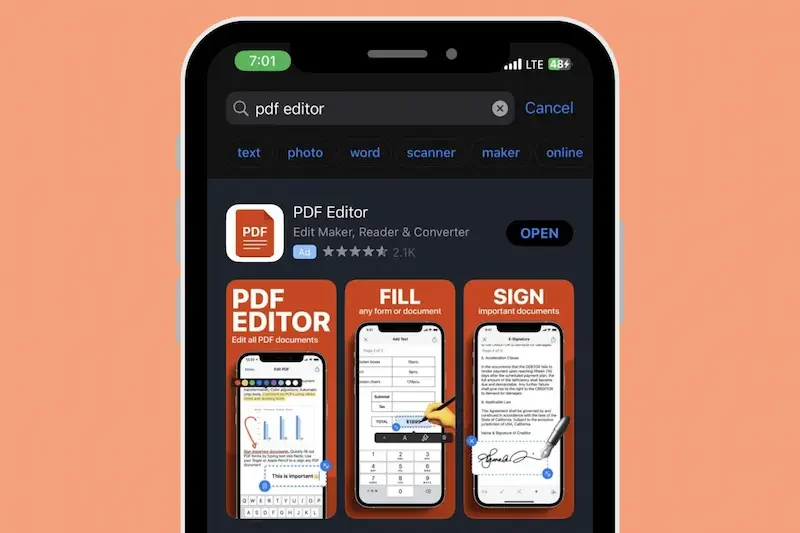
Using an iPhone PDF editor makes it easier to handle documents anytime and anywhere. Instead of relying on a computer or printer, you can manage all your PDF tasks directly from your phone. This is especially helpful in today’s fast-moving digital world where quick access to files is important.
Work Anywhere, Anytime
One of the biggest benefits of an iPhone PDF editor is mobility. You can edit, read, and manage documents while traveling, at work, in school, or even at home. This flexibility allows you to stay productive no matter where you are.
Save Time and Increase Productivity
An iPhone PDF editor helps you complete tasks quickly. You don’t need to transfer files to a computer or wait to get to the office. You can make instant edits, sign documents, and share files within seconds, saving valuable time.
No Need for a Computer
With a powerful PDF editor on your iPhone, you no longer need a laptop for basic document tasks. Everything from editing text to signing forms can be done directly on your mobile device, making work much more convenient.
Easy File Sharing
Sharing PDF files becomes simple and fast. You can send documents through email, messaging apps, or cloud services like iCloud, Google Drive, or Dropbox. This makes collaboration with others much smoother.
Paperless and Eco-Friendly Workflow
Using a PDF editor helps reduce paper usage. Instead of printing documents, you can edit and sign them digitally. This not only saves money but also supports an eco-friendly and paperless lifestyle.
Perfect for Students and Professionals
Students can use PDF editors for notes, assignments, and study materials, while professionals can manage contracts, reports, and business documents. It is a useful tool for almost everyone.
Quick Document Management
You can easily organize, rename, and store PDF files on your iPhone. This helps you keep your documents well-structured and easy to find whenever needed.
Final Thoughts
An iPhone PDF editor is a powerful tool that improves productivity, saves time, and makes document handling simple. Whether for study, work, or personal use, it offers a convenient way to manage all your PDF files on the go.
Key Features of the Best iPhone PDF Editor
Choosing the right iPhone PDF editor becomes much easier when you know which features matter most. A good PDF editor should be simple to use, fast, and powerful enough to handle all types of document tasks. Below are the most important features to look for.
Easy-to-Use Interface
A clean and simple interface is essential. The app should be easy to navigate, even for beginners. Clear menus, simple icons, and smooth navigation make editing PDFs faster and more comfortable.
Full PDF Editing Tools
A strong PDF editor should allow you to:
- Edit existing text
- Add new text
- Insert or remove images
- Rearrange pages
- Delete unnecessary pages
These tools help you fully customize your documents without needing a computer.
Annotation and Markup Features
Annotation tools are very useful for reviewing documents. A good iPhone PDF editor should allow you to:
- Highlight important text
- Add comments and notes
- Underline or strike through text
- Draw shapes or freehand marks
These features are especially helpful for students and professionals.
Form Filling and Digital Signatures
One of the most important features is the ability to fill forms and sign documents digitally. This allows you to complete contracts, applications, and agreements directly on your iPhone without printing anything.
Cloud Storage Integration
A good PDF editor should support cloud services such as:
- iCloud Drive
- Google Drive
- Dropbox
- OneDrive
This makes it easy to access your files from anywhere and keep them safely backed up.
File Sharing Options
You should be able to share PDF files quickly through email, messaging apps, or cloud links. Fast sharing improves teamwork and communication, especially in professional settings.
Offline Access
The best iPhone PDF editors allow you to work without an internet connection. You can open, read, and edit saved documents even when offline, which is useful during travel or low connectivity situations.
Security Features
Security is very important when handling personal or business documents. Good PDF editors include features like:
- Password protection
- File encryption
- Secure sharing options
These features help protect your sensitive information.
Fast Performance and Stability
A quality app should run smoothly without crashing or slowing down. Fast loading times and stable performance ensure a better user experience, especially when working with large PDF files.
Final Thoughts
The best iPhone PDF editor should combine simplicity, speed, and powerful features. By focusing on these key elements, you can choose an app that improves productivity and makes document management easy on your iPhone.
Best iPhone PDF Editor Apps
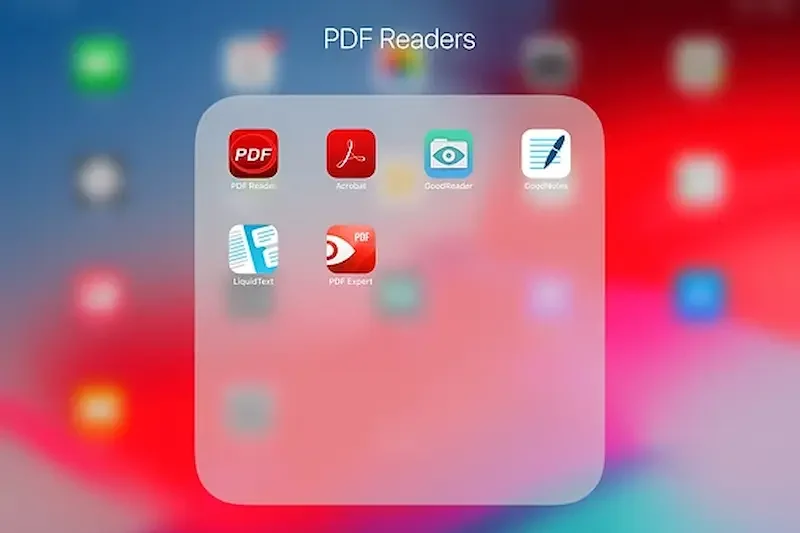
There are many PDF editor apps available for iPhone, but not all of them offer the same level of features, performance, and ease of use. Below are some of the most popular and reliable apps you can use for editing PDFs on your iPhone.
Adobe Acrobat Reader
Adobe Acrobat Reader is one of the most trusted PDF apps available. It is widely used for viewing, editing, and signing PDF documents.
Features:
- View and edit PDFs
- Add comments and highlights
- Fill and sign forms
- Cloud storage support
Best For: Professionals and general users who need a reliable all-in-one PDF tool.
PDF Expert
PDF Expert is a powerful and user-friendly PDF editor designed specifically for Apple devices.
Features:
- Advanced text editing
- Smooth annotation tools
- Fast file management
- Apple ecosystem integration
Best For: Users who need advanced editing features and smooth performance.
Foxit PDF Editor
Foxit PDF Editor is a lightweight and fast application that focuses on performance and security.
Features:
- Quick PDF loading
- Strong security tools
- Annotation and editing options
- Cloud integration
Best For: Users who want a fast and secure PDF editing experience.
PDFelement
PDFelement offers advanced editing tools and AI-powered features for better document handling.
Features:
- Text and image editing
- PDF conversion tools
- AI-based document tools
- Form filling and signing
Best For: Users who want advanced and smart editing features.
Apple Built-in Tools (Files + Markup)
iPhones also include built-in tools that allow basic PDF editing.
Features:
- View PDFs in Files or Books app
- Add highlights and notes using Markup
- Sign documents quickly
Best For: Casual users who need simple and free PDF editing options.
Final Thoughts
Each iPhone PDF editor has its own strengths. Adobe Acrobat Reader is great for general use, PDF Expert is ideal for advanced editing, and Apple’s built-in tools are perfect for basic tasks. Choosing the right app depends on your needs and how often you work with PDF files.
What is the best iPhone PDF editor?
The best iPhone PDF editor depends on your needs. Popular options include Adobe Acrobat Reader, PDF Expert, Foxit PDF Editor, and PDFelement. Each app offers different features for editing, signing, and managing PDF files.
Can I edit PDF files for free on iPhone?
Yes, several apps offer free PDF editing features. Apple’s built-in Markup tool and Adobe Acrobat Reader provide basic editing, highlighting, and signing tools at no cost.
Is Adobe Acrobat Reader good for iPhone?
Yes, Adobe Acrobat Reader is one of the most reliable PDF apps for iPhone. It allows you to view, edit, sign, and share PDF files easily with cloud support and simple tools.
Conclusion
An iPhone PDF editor is a powerful tool that makes it easy to manage, edit, and organize documents directly from your mobile device. Instead of depending on a computer, you can handle all your PDF tasks anytime and anywhere using just your iPhone.
Whether you are a student, professional, or casual user, the right PDF editor can save time, improve productivity, and make document handling much simpler. From basic apps like Apple Markup to advanced tools like Adobe Acrobat Reader and PDF Expert, there are plenty of options available for every type of user.
Choosing the best iPhone PDF editor depends on your needs, such as editing features, ease of use, cloud support, and budget. Free tools are great for simple tasks, while paid apps offer more advanced features for professional use.
In the end, the right PDF editor helps you work smarter, stay organized, and manage your documents efficiently on the go.
