
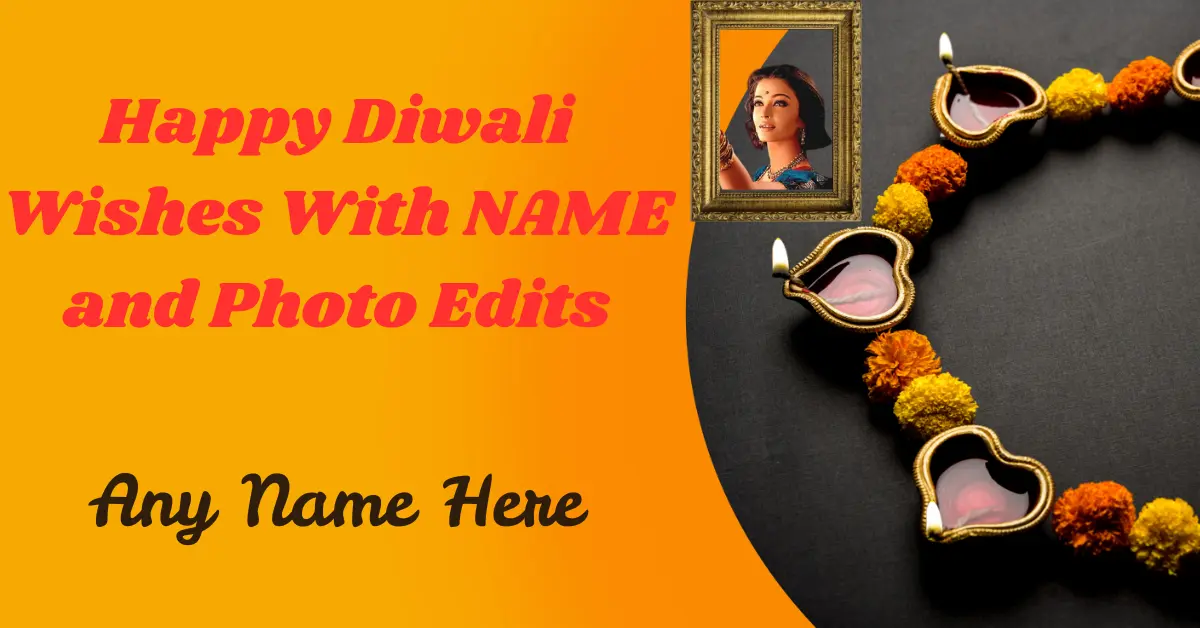
Hey there! 🎉
So, Diwali is just around the corner — lights are going up, sweets are being made, and the festive spirit is everywhere.
And now comes the fun part: sending Diwali wishes to your loved ones! But this year, instead of forwarding the same old text message or GIF, why not try something special?
I’m talking about Happy Diwali wishes with name and photo edit – yes, personalized greetings that include your friend’s name and photo.
Trust me, it’s the little things like this that make your wishes unforgettable.
Let’s dive into what this is all about, how to do it, and why it might just become your favorite Diwali tradition!
✨ What Is “Happy Diwali Wishes with Name and Photo Edit”?
It’s exactly what it sounds like — a beautifully designed Diwali greeting where you can:
- Add the recipient’s name
- Insert a photo (yours, theirs, or both!)
- Include a festive message
- Decorate it with traditional elements like diyas, fireworks, rangoli, or Lord Ganesha images
You can either do it through free online tools, mobile apps, or even editing websites that let you customize beautiful Diwali templates in minutes.
🎨 Why Personalized Diwali Wishes Are a Great Idea
Let’s be honest: generic messages are everywhere. But when someone receives a greeting that features their name and maybe even a smiling photo? That hits differently! It feels like you actually spent time thinking about them.
Here’s what makes these wishes so special:
- They feel more heartfelt and genuine
- You can express your creativity
- They’re perfect for social media, stories, statuses, or even print!
🛠️ How to Create Diwali Wishes with Name and Photo
Creating personalized Diwali wishes isn’t just fun—it’s also a heartfelt way to make someone feel extra special during the festival of lights. And trust me, it’s easier than making gulab jamuns (and way less messy 😄). Here’s your step-by-step guide:
✅ Step-by-Step Guide:
1. Choose a Platform
Start by picking where you want to create your Diwali wish. There are plenty of websites and apps out there! Some of the most user-friendly ones include:
- Canva (great for creative designs)
- NameWishes.com (perfect for quick, festive edits)
- GreetingsIsland (ideal for printable cards)
- Photopea (a free Photoshop-style editor)
Or explore Diwali greeting apps available on Android or iOS—many of them come with pre-made themes for festivals.
2. Select a Template
Once you’re on your chosen platform, browse through the Diwali greeting templates. Pick one that catches your eye—maybe something with diyas, rangoli, or fireworks to match the festive spirit. Go for colors that pop like gold, orange, or deep purple.
3. Upload a Photo
Time to add a personal touch! Upload a photo of yourself, your family, or the person you’re sending it to. Make sure it’s a high-quality, happy picture with good lighting. A smile goes a long way in spreading Diwali joy!
4. Add the Name
Now, type the name of the person you’re wishing. Use a beautiful font that matches the design—something stylish but still easy to read. You can even add nicknames if you’re going for a fun, informal vibe.
5. Include a Personalized Message
This is where your heartfelt Diwali wish comes in. You could write something sweet like:
“Wishing you a Diwali full of sparkle, sweets, and smiles!”
or
“May your life light up just like the Diwali sky. Happy Diwali, [Name]!”
A few warm words can turn a simple image into a beautiful memory.
6. Save & Share
Once you’re happy with your design, hit download! Then share your customized Diwali wish on WhatsApp, Facebook, Instagram, or email it to your loved one. You can even print it out and slip it into a gift box for an extra touch of love.
You may also like to read these posts:
Stunning Happy Anniversary Photo Editing Online – Aarya Editz
Perfect Wedding Photo Editing – Complete Guide – Aarya Editz
Wedding Anniversary Photo Frames Editing – Unique Guide – Aarya Editz
Best Pre Wedding Photo Editing – Unique Guide – Aarya Editz
Advantages of Using Name and Photo Edits for Diwali Wishes
Let’s look at the bright side of these personalized greetings:
✅ Advantages:
- Adds a personal touch to your wishes
- Memorable and unique, especially among hundreds of generic messages
- Easy to create using free apps or websites
- Loved by all ages – from kids to grandparents
- Perfect for digital sharing – WhatsApp, Instagram, Facebook, email, you name it
- Can be printed as cards, tags, or festive keepsakes
⚠️ Are There Any Downsides?
As much as we love personalized greetings, there are a couple of things to keep in mind:
❌ Disadvantages:
- Privacy concerns if you’re using personal photos on public platforms
- Takes more time if you’re making one for everyone
- Some tools charge for premium designs or remove watermarks only for paid users
- If reused too often, it might start feeling less special
But don’t worry — with a little care and variety, you can totally avoid these downsides!
💡 Extra Tips to Make Your Diwali Wish Shine Brighter
- Use festive filters or animated sparkles
- Add a sweet message like “May your home shine as bright as these lights”
- Include traditional symbols like diyas, torans, or swastik for cultural beauty
- Want to go old-school? Print your greeting and gift it with mithai!
🎇 Final Thoughts
At the end of the day, Diwali is all about spreading love, light, and laughter. And what better way to do that than sending Happy Diwali wishes with name and photo edit? It’s fun, meaningful, and shows your effort.
So don’t just say “Happy Diwali” — show it, personalize it, and light up someone’s day. Let your wishes be as vibrant and beautiful as the festival itself! 🌟
Go ahead, pick your favorite design, and start spreading that festive magic now. 🪔✨
🙋♀️ FAQs
1. What is a Diwali wish with name and photo edit?
It’s a personalized digital greeting where you can add your loved one’s name and photo to a festive Diwali card. It makes your wishes feel more heartfelt and unique—like you’ve put in extra effort!
2. How can I create one online?
You can use free websites like NameWishes.com or editing tools like Canva and PicsArt. Just choose a Diwali template, upload a photo, add the name, and you’re good to go!
3. Do I have to pay to make or download them?
Most platforms offer free templates and features. However, some might charge for premium designs or watermark-free downloads. The good news? You can still find lots of beautiful free options.
4. Can I share these wishes on social media and messaging apps?
Yes! Once you download your edited wish, you can share it on WhatsApp, Instagram, Facebook, or even email it. It’s a great way to spread festive vibes online.
5. Is it possible to print my personalized Diwali wish?
Definitely. If you choose high-resolution settings while editing, your Diwali greeting can be printed and used as a physical card or decorative piece.
