
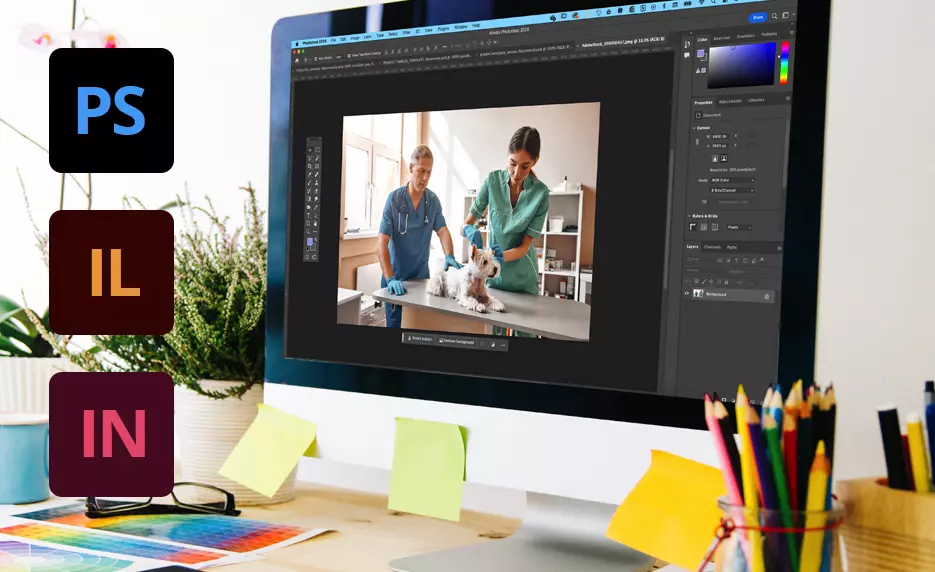
In today’s digital world, Adobe visual design plays a crucial role in creating stunning graphics, websites, social media content, and branding materials. Whether you’re a beginner or an aspiring designer, understanding how Adobe tools work together can help you create professional and eye-catching designs.
This guide will explain everything in a simple and easy-to-understand way.
What Is Adobe Visual Design?
Adobe visual design refers to the process of creating visual content using Adobe’s creative tools. It includes designing:
- Graphics
- Logos
- Websites
- Social media posts
- Videos and animations
Adobe provides powerful software that helps designers bring their ideas to life with precision and creativity.
Popular Adobe Tools for Visual Design
Here are the most widely used tools in Adobe visual design:
1. Adobe Photoshop
Best for photo editing and digital art
Used for social media posts, banners, and thumbnails
2. Adobe Illustrator
Ideal for vector graphics and logos
Perfect for scalable designs without losing quality
3. Adobe XD
Used for UI/UX design
Helps create website and app layouts
4. Adobe InDesign
Best for print design
Used for magazines, brochures, and ebooks
5. Adobe After Effects
Used for motion graphics and animations
Ideal for video content and ads
Why Adobe Visual Design Is Important
Using Adobe visual design tools offers several benefits:
Professional quality designs
Creative flexibility
Industry-standard tools
High precision and control
Better branding and marketing results
Businesses and freelancers rely on Adobe tools to create content that attracts attention and builds trust.
Key Principles of Adobe Visual Design
To create effective designs, follow these core principles:
1. Balance
Keep elements evenly distributed for a clean look.
2. Contrast
Use different colors and sizes to highlight important elements.
3. Alignment
Align text and images properly for a professional appearance.
4. Repetition
Repeat colors, fonts, and styles to maintain consistency.
5. White Space
Give your design breathing room to improve readability.
You may also like it:
Vlog Video Editing Tips For Stunning YouTube Vlogs
How To Download YouTube Videos In PC | Full Guide
Vlog Editing Guide: Tips, Tools, Benefits & Drawbacks
Step-by-Step Adobe Visual Design Process
Follow this simple workflow:
Step 1: Understand Your Goal
What are you designing?
Who is your audience?
Step 2: Choose the Right Tool
Photoshop for images
Illustrator for logos
XD for UI/UX
Step 3: Create a Layout
Sketch your idea
Plan spacing and alignment
Step 4: Add Colors and Fonts
Use a consistent color palette
Choose readable fonts
Step 5: Finalize and Export
Review your design
Export in the correct format
Adobe Visual Design Tips (Expert Insights)
These tips will help you stand out:
- Keep designs simple and clean
- Use high-quality images
- Maintain color consistency
- Avoid clutter
- Always preview before publishing
- Common Mistakes to Avoid
Many beginners make these mistakes:
- Overusing fonts
- Using too many colors
- Ignoring alignment
- Adding too much text
- Not optimizing for mobile
Avoiding these mistakes will instantly improve your design quality.
Adobe Visual Design for Beginners
If you’re just starting:
- Learn one tool at a time
- Practice daily
- Watch tutorials
- Recreate existing designs
- Build a portfolio
Consistency is key to mastering Adobe visual design.
Adobe Visual Design vs Other Tools
Feature Adobe Tools Other Tools
Quality High Medium
Flexibility Advanced Limited
Learning Curve Moderate Easy
Professional Use Industry Standard Basic
Future of Adobe Visual Design
The future of Adobe visual design is evolving rapidly with:
AI-powered tools
Faster workflows
Cloud-based collaboration
Automation features
Designers who adapt to these trends will stay ahead in the industry.
Final Thoughts
Adobe visual design is a powerful skill that opens doors to freelancing, business growth, and creative expression. With the right tools, techniques, and practice, anyone can create stunning and professional designs.
Start small, stay consistent, and keep improving.
FAQs About Adobe Visual Design
What is Adobe visual design?
Adobe visual design is the process of creating graphics, layouts, and digital content using Adobe tools like Photoshop, Illustrator, and XD.
Which Adobe software is best for beginners?
For beginners in Adobe visual design:
Photoshop is great for image editing
Illustrator is ideal for logos
Adobe XD is best for UI/UX design
Start with one tool and gradually learn others.
Is Adobe visual design hard to learn?
Adobe visual design is not difficult if you practice regularly. Beginners may take time to understand tools, but with tutorials and consistency, it becomes easier.
Do I need a powerful computer for Adobe visual design?
Yes, a decent computer helps. Most Adobe tools require:
Good RAM (8GB or more)
Fast processor
Enough storage space
