
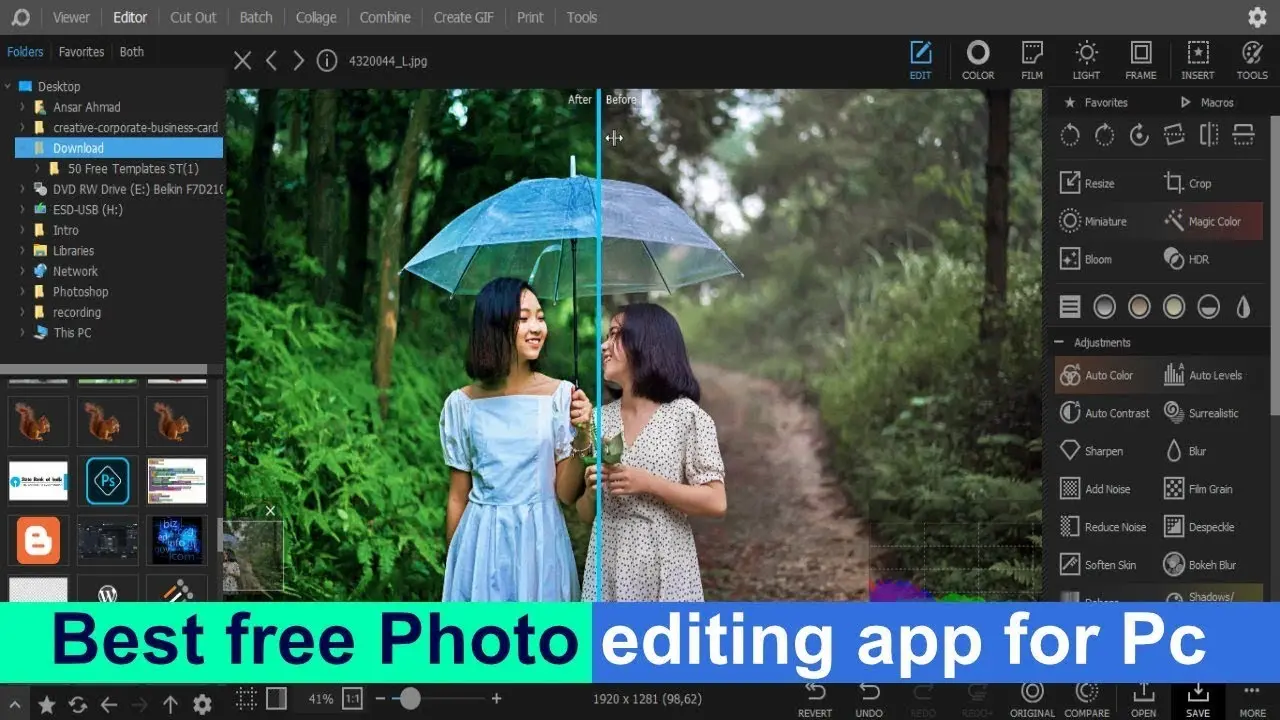
Finding the best photo editing app for PC can completely transform your images, whether you’re a beginner, content creator, or professional photographer. With so many options available, choosing the right software can feel overwhelming.
In this complete guide, we’ll explore the best photo editing app for PC, compare top tools, and help you pick the perfect one based on your needs.
What Makes the Best Photo Editing App for PC?
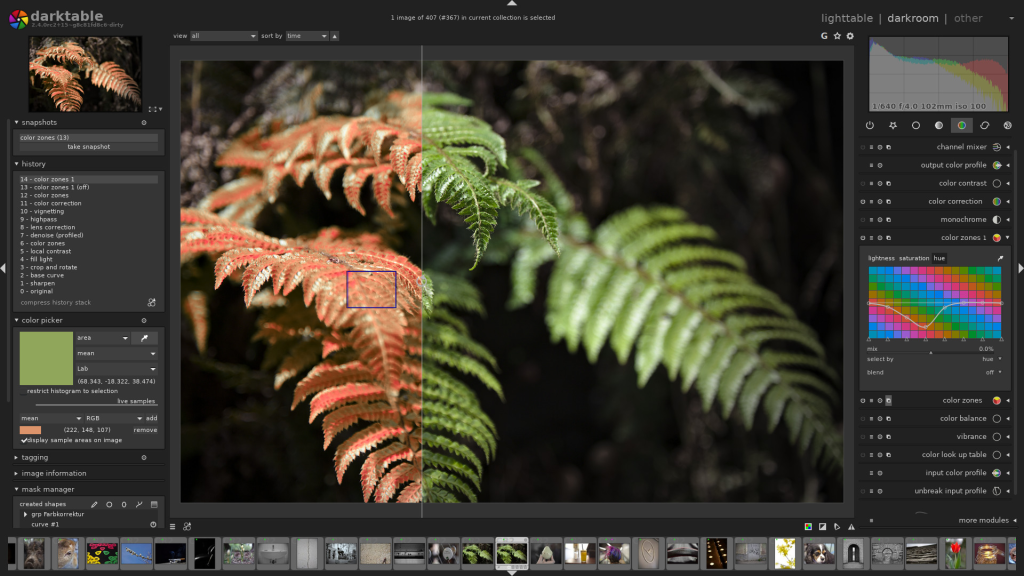
Before choosing the best photo editing app for PC, it’s important to know what features matter most:
- Easy-to-use interface
- Advanced editing tools (layers, filters, effects)
- High performance on Windows/Mac
- Support for RAW images
- Export options for social media and print
Top 7 Best Photo Editing App for PC
Here are the most popular and powerful tools you can use:
1. Adobe Photoshop
Best for Professionals
Adobe Photoshop is widely considered the best photo editing app for PC for advanced users.
Key Features:
- Advanced layer editing
- AI-powered tools
- Professional retouching
- Supports all image formats
Pros:
- Industry-standard software
- Unlimited editing possibilities
Cons:
- Expensive subscription
- Requires learning
2. Adobe Lightroom
Best for Photographers
Lightroom is perfect for editing and organizing large photo collections.
Key Features:
- One-click presets
- Color correction tools
- Cloud syncing
Pros:
- Easy workflow
- Great for batch editing
Cons:
- Limited graphic design tools
3. Canva
Best for Beginners
Canva is a simple and user-friendly option for quick edits and designs.
Key Features:
- Drag-and-drop editor
- Ready-made templates
- Background remover
Pros:
- Beginner-friendly
- Free version available
Cons:
- Limited advanced editing
4. GIMP
Best Free Alternative to Photoshop
GIMP is a powerful free tool and a great best photo editing app for PC option.
Key Features:
- Open-source software
- Advanced tools similar to Photoshop
- Custom plugins
Pros:
- Completely free
- Highly customizable
Cons:
- Complex interface
5. PhotoScape X
Best for Quick Edits
PhotoScape X is ideal for fast and simple editing tasks.
Key Features:
- Filters and effects
- Batch editing
- Collage maker
Pros:
- Lightweight
- Easy to use
Cons:
- Limited pro features
6. Luminar Neo
Best AI Photo Editor
Luminar Neo uses artificial intelligence to enhance photos automatically.
Key Features:
- AI sky replacement
- Portrait enhancement
- One-click fixes
Pros:
- Fast editing
- Modern features
Cons:
- Paid software
7. Paint.NET
Best Lightweight Tool
Paint.NET is a simple yet powerful editor for Windows users.
Key Features:
- Layers support
- Fast performance
- Basic editing tools
Pros:
- Free and lightweight
- Great for beginners
Cons:
- Limited advanced tools
How to Choose the Best Photo Editing App for PC
To select the best photo editing app for PC, consider your needs:
- For Beginners: Canva or Paint.NET
- For Professionals: Adobe Photoshop
- For Photographers: Adobe Lightroom
- For Free Option: GIMP
- For AI Editing: Luminar Neo
Free vs Paid Photo Editing Apps
Free Apps
- Budget-friendly
- Good for basic editing
- Examples: GIMP, Paint.NET
Paid Apps
- Advanced features
- Better performance
- Examples: Photoshop, Luminar Neo
Tips for Better Photo Editing
- Always edit in high resolution
- Use natural lighting adjustments
- Avoid over-editing
- Save original files as backup
- Learn basic color correction
FAQs – Best Photo Editing App for PC
1. What is the best photo editing app for PC for beginners?
Canva and Paint.NET are great for beginners due to their simple interface.
2. Which is the best free photo editing app for PC?
GIMP is the best free alternative with advanced features.
3. Is Photoshop worth it?
Yes, Adobe Photoshop is worth it for professionals and serious editors.
4. Which app is best for low-end PCs?
Paint.NET and PhotoScape X work well on low-end systems.
5. Can I edit photos on PC without internet?
Yes, most apps like Photoshop, GIMP, and Paint.NET work offline.
Conclusion
Choosing the best photo editing app for PC depends on your skill level and editing needs. From beginner-friendly tools like Canva to professional software like Adobe Photoshop, there’s an option for everyone.
Start with a simple app and gradually move to advanced tools as your skills improve. With the right software, you can turn ordinary photos into stunning visuals.
