
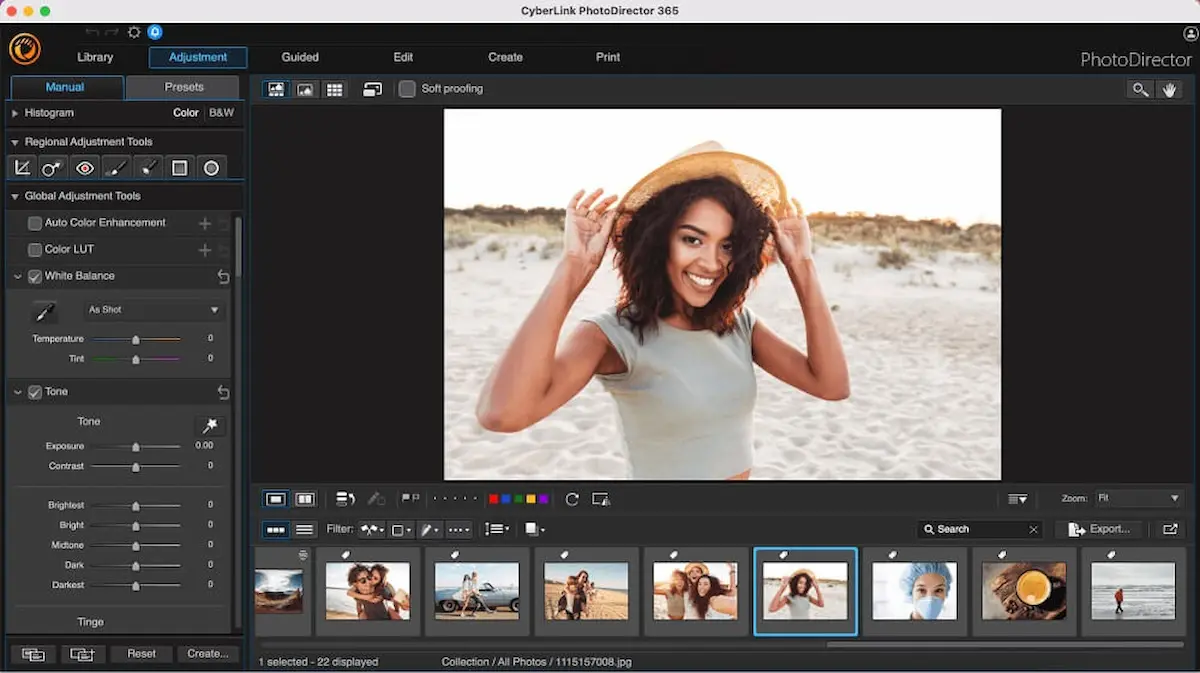
Whether you’re a beginner, content creator, photographer, or social media enthusiast, having the best photo editing software can take your visuals to the next level. Today, millions of people use photo editors to enhance pictures, adjust colors, remove backgrounds, apply filters, or create stunning designs — and choosing the right software can make a big difference.
In this friendly and practical guide, I’ll walk you through the best photo editing software available — including free and paid options, desktop and mobile tools, and tips to choose what’s right for you.
What Is Photo Editing Software?
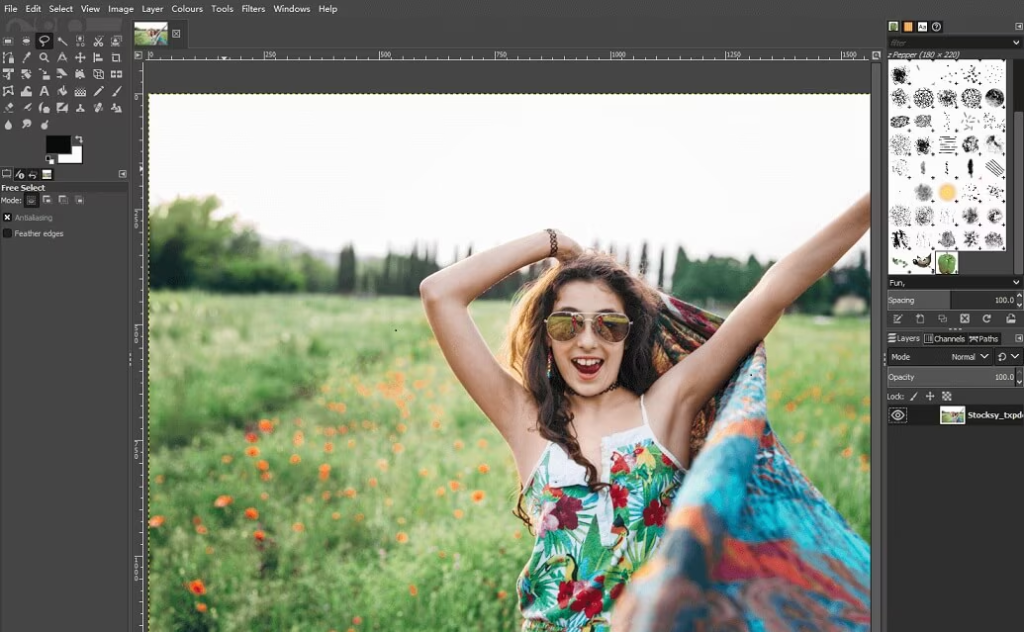
Photo editing software is a digital tool that helps you modify images. It can:
- Adjust brightness, contrast, and colors
- Crop and resize photos
- Remove backgrounds or unwanted objects
- Add text, effects, stickers, and overlays
- Restore old photos
- Create collages and artistic edits
In short — it helps you turn ordinary photos into eye-catching visuals.
Why You Need the Best Photo Editing Software
Good photo editing software can:
✅ Make your photos look professional
✅ Improve social media engagement
✅ Fix mistakes in photos
✅ Help you create marketing graphics
✅ Save time with powerful tools and presets
Whether you’re posting on Instagram or designing for business, the right software matters.
Top 10 Best Photo Editing Software (2026)
Here’s a complete list of the best photo editing software — both free and paid — for different users and needs:
1. Adobe Photoshop (Best Overall)
Adobe Photoshop is known as the industry standard for photo editing.
Best for: Photographers, designers, professionals
Features:
- Layers and masks
- Advanced retouching
- Object removal
- Powerful color tools
Platforms: Windows, Mac
2. Adobe Lightroom
Lightroom is perfect for fast, professional photo enhancements.
Best for: Photographers & social media creators
Features:
- Easy presets
- Color correction
- Batch editing
Platforms: Windows, Mac, Android, iOS
3. Canva (Best for Beginners)
Canva is extremely user-friendly with drag-and-drop features.
Best for: Social media posts, flyers, beginners
Features:
- Templates
- Text overlays
- Filters & effects
Platforms: Web, Android, iOS
4. GIMP (Free)
GIMP is a powerful free editor similar to Photoshop.
Best for: Free advanced editing
Features:
- Layers
- Custom brushes
- Plugins
Platforms: Windows, Mac, Linux
You may also like it:
Face Swap APK Guide 2025: Benefits, Risks & How To Install
Lightroom App Download APK – Full Guide With Benefits
Best Photo Banavani App Guide With Features & Benefits
Top Wallpaper Set Karne Wala Apps Guide 2025
5. Affinity Photo
A strong Photoshop alternative with a one-time fee.
Best for: Professionals on a budget
Features:
- Advanced retouching
- HDR merging
- 360° editing
Platforms: Windows, Mac, iPad
6. Snapseed (Free)
Snapseed is a powerful mobile photo editor by Google.
Best for: Mobile editing
Features:
- Filters
- Healing tool
- Selective edits
Platforms: Android, iOS
7. PicsArt
Great for creative and artistic edits.
Best for: Social media creators
Features:
- Stickers & templates
- AI effects
- Collages & backgrounds
Platforms: Web, Android, iOS
8. Pixlr (Free)
Pixlr is a light online photo editor.
Best for: Quick browser editing
Features:
- Filters
- Cutouts
- Auto enhancements
Platforms: Web
9. Corel PaintShop Pro
A strong photo editor with pro tools for Windows users.
Best for: Windows desktop editing
Features:
- Layers & masks
- AI tools
- Creative effects
Platforms: Windows
10. Photopea (Free Online)
Photopea works in your browser and is similar to Photoshop.
Best for: Free browser-based Photoshop alternative
Features:
- PSD support
- Layers & masks
- Advanced tools
Platforms: Web
How to Choose the Best Photo Editing Software
Here’s how to decide which one is right for you:
1. Determine Your Skill Level
- Beginner — Canva or Snapseed
- Intermediate — Lightroom or Pixlr
- Advanced — Photoshop or Affinity Photo
2. Decide Your Device
- Desktop — Photoshop, GIMP, Lightroom
- Mobile — Snapseed, PicsArt
- Web — Canva, Photopea
3. Think About Your Budget
- Free tools — GIMP, Snapseed, Pixlr, Photopea
- Paid tools — Photoshop, Lightroom, Affinity Photo
4. Look at Features
- Do you need layers?
- Batch editing?
- AI enhancements?
- Templates?
Pick what fits your daily workflow.
Tips for Editing Better Photos
Here are some quick tips that work with most photo editing software:
📌 Start with good lighting in your photo
📌 Use presets for consistent style
📌 Crop to improve composition
📌 Don’t over-edit — keep it natural
📌 Save a high-resolution copy for print
Final Words
The best photo editing software depends on what you need — from quick mobile edits to full professional retouching. But whether you’re using free tools like GIMP or powerful editors like Photoshop, great photos can bring your content to life.
Ready to start editing? Pick one from this list and begin transforming your visuals today! 📸✨
