
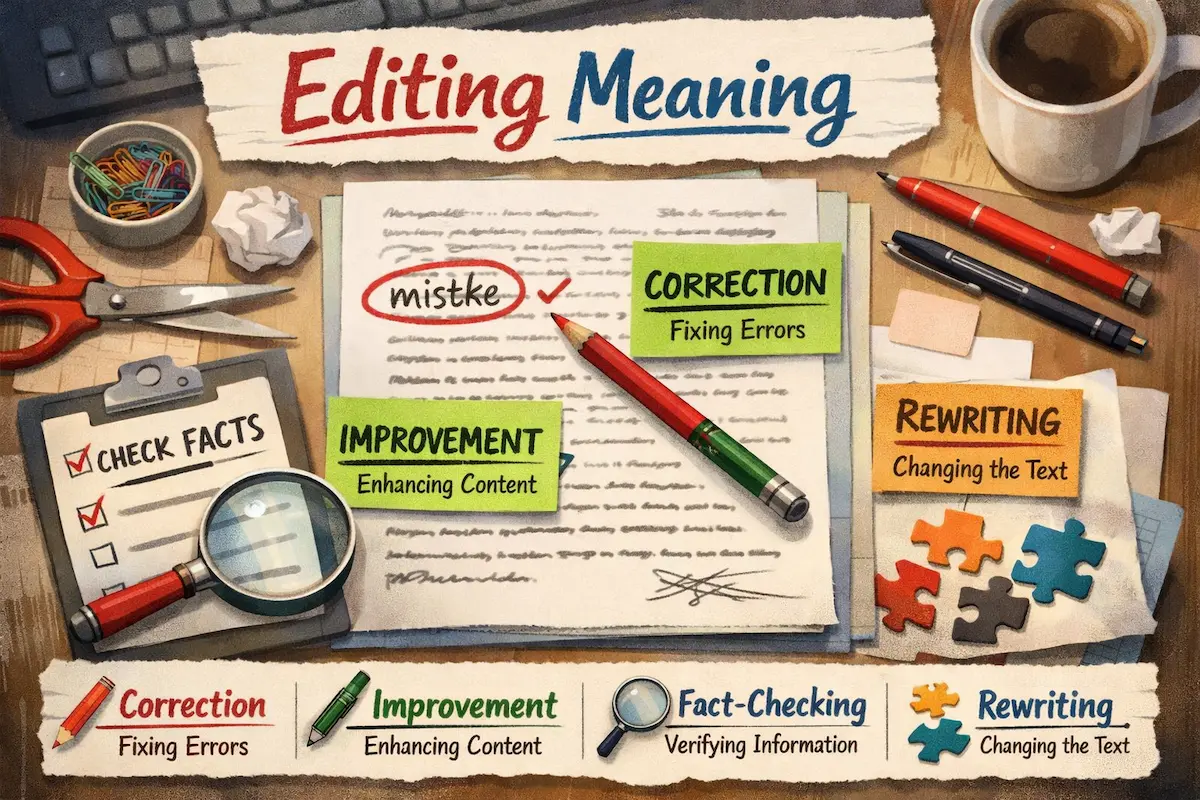
The term editing meaning refers to the process of reviewing, revising, and improving content to make it accurate, clear, and effective. Editing is a crucial step in writing, video production, and media creation because it ensures that the final product is polished and professional. Whether it’s correcting errors, improving flow, or adding creative elements, editing shapes raw work into a refined piece ready for an audience.
Why Editing is Important
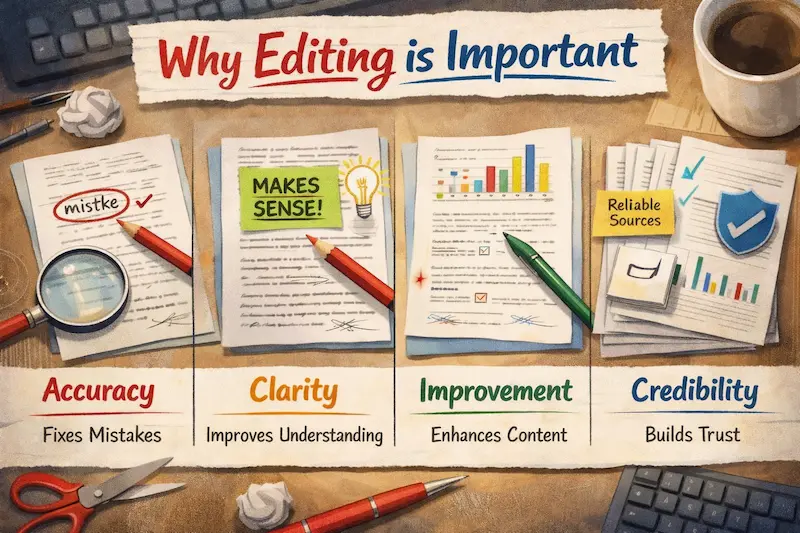
Editing is more than just fixing mistakes—it adds value and credibility to any work. Here’s why it matters:
- Enhances Clarity: Helps the audience understand the content easily.
- Improves Accuracy: Ensures facts, figures, and language are correct.
- Boosts Professionalism: Polished work appears more trustworthy and authoritative.
- Strengthens Impact: Refines ideas to communicate them effectively.
Types of Editing
Editing can vary depending on the type of content. Here are the most common types:
1. Text Editing
- Proofreading: Correcting spelling, grammar, and punctuation errors.
- Copy Editing: Improving sentence structure, clarity, and consistency.
- Content Editing: Enhancing the overall flow, tone, and message.
2. Video Editing
- Arranging clips in a meaningful order.
- Adding transitions, music, captions, and effects.
- Adjusting colors, brightness, and audio quality.
You may also like it:
11 Best Lightroom Photo Downloads For Quick Edits – Aarya Editz
Aryan Photography | Capturing Beautiful Moments Forever – Aarya Editz
DSLR Camera Editing App For Professional Photos – Aarya Editz
PicSay Pro Mod APK Free Download – All Features Unlocked
3. Audio Editing
- Removing background noise or unwanted sounds.
- Balancing audio levels for clarity.
- Adding effects, music, or voiceovers.
4. Photo Editing
- Adjusting brightness, contrast, and colors.
- Retouching images for clarity and appeal.
- Adding filters, text, or graphic elements.
Key Steps in Editing
- Review Your Work: Read or watch your content carefully to identify errors.
- Correct Mistakes: Fix grammar, spelling, and factual inaccuracies.
- Enhance Clarity and Flow: Make sentences or scenes smooth and easy to follow.
- Add Creative Elements: Use visuals, music, or transitions to improve engagement.
- Final Check: Ensure everything is consistent, accurate, and ready for publishing.
Common Editing Mistakes to Avoid
- Skipping Proofreading: Small errors can reduce credibility.
- Overediting: Adding too many effects or changes can overwhelm the audience.
- Ignoring Consistency: Fonts, colors, and styles should be uniform.
- Neglecting Feedback: Always consider input from others to improve quality.
Tips for Effective Editing
- Take breaks before editing to see your work with fresh eyes.
- Use editing tools like Grammarly, Hemingway, Adobe Premiere, or Canva.
- Focus on one type of editing at a time (grammar first, then flow, etc.).
- Read aloud or preview your video to spot issues quickly.
Conclusion
The meaning of editing extends beyond just correcting errors—it’s about enhancing clarity, improving quality, and making content impactful. Whether it’s written text, videos, audio, or images, effective editing transforms raw work into a polished final product that engages and informs your audience.
FAQs : Editing Meaning
What does editing mean?
Editing means reviewing and improving content to make it accurate, clear, and effective.
Why is editing important?
It enhances clarity, accuracy, professionalism, and overall impact.
What are the types of editing?
Text editing, video editing, audio editing, and photo editing.
What tools are used for editing?
Tools include Grammarly, Hemingway, Adobe Premiere, Canva, and Audacity.
Can editing improve engagement?
Yes, polished content captures attention and communicates ideas better.
