
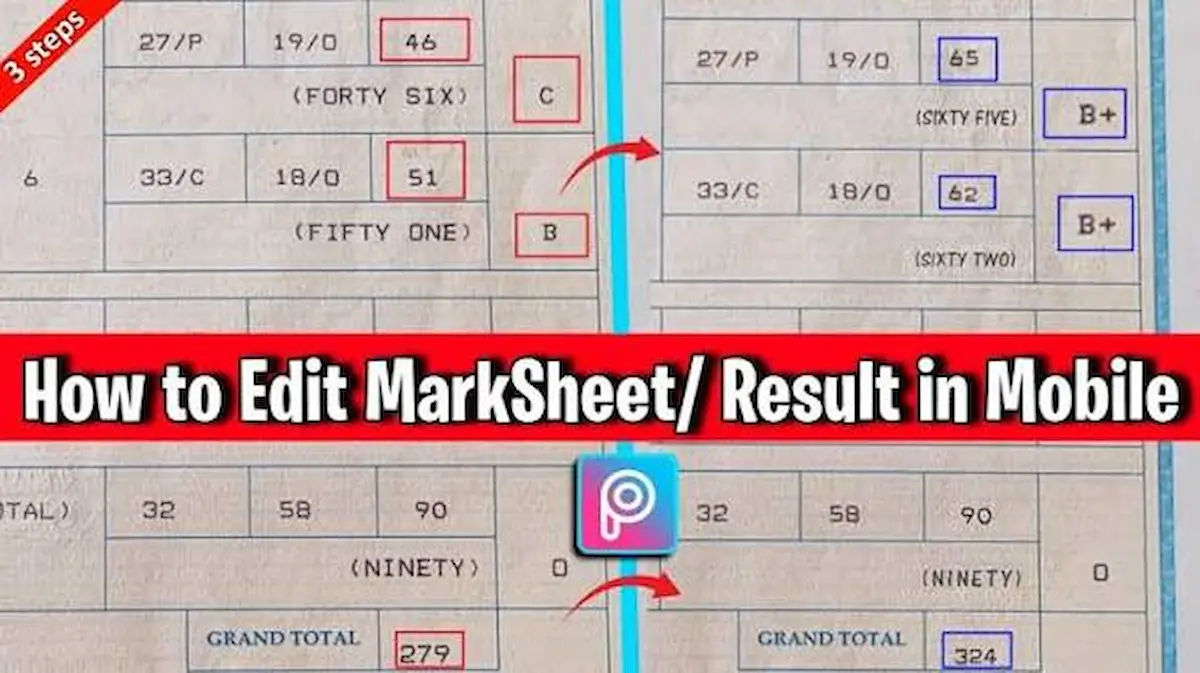
A marksheet is an important educational document that contains a student’s examination results, subject-wise marks, grades, and other academic information. Students often need to update or correct their marksheets when they find spelling mistakes, incorrect marks, missing subjects, or other errors.
If you are searching for how to edit marksheet, it is important to understand that the editing process depends on the type of marksheet and the educational board or institution that issued it.
You can make changes to a personal copy for record-keeping or practice, but you should never alter an official marksheet to misrepresent your academic results. Official corrections must be requested from the relevant school, college, university, or examination board.
In this guide, you will learn how to edit a marksheet, correct common mistakes, use PDF editing tools, and request official changes.
What Does Editing a Marksheet Mean?
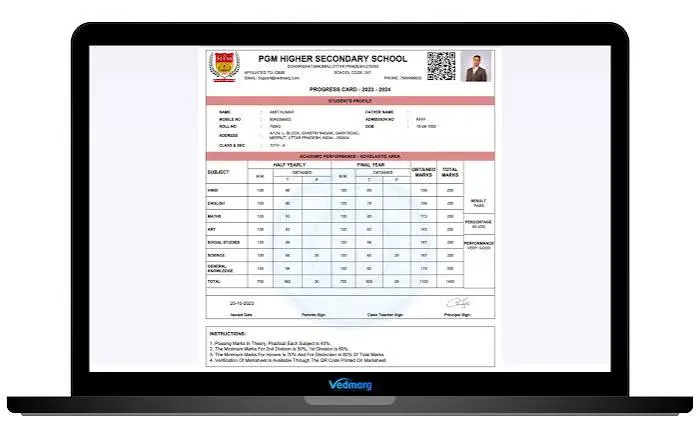
Editing a marksheet means making changes to its information or correcting errors in the document.
Some common reasons for editing a marksheet include:
- Correcting spelling mistakes in a student’s name.
- Updating an incorrect roll number.
- Fixing a date of birth error.
- Correcting subject names.
- Updating marks after an official rechecking process.
- Adding missing academic information.
- Improving the layout of a personal marksheet copy.
Remember that only the issuing authority can approve changes to an official academic record.
How to Edit Marksheet PDF
If you have a marksheet saved as a PDF, you can use a PDF editor to add comments, highlight information, or make permitted corrections to a personal copy.
Follow these steps:
Step 1: Open Your Marksheet PDF
First, locate the PDF file on your computer or mobile phone.
Open it using a PDF editing application that supports annotations and document editing.
Step 2: Choose a PDF Editing Tool
You can use different applications to work with PDF documents.
Some popular options include:
- Adobe Acrobat
- PDFgear
- Foxit PDF Editor
- Smallpdf
Choose a tool that provides the editing features you need.
Step 3: Make Permitted Changes
Use the available editing features to add notes, highlight mistakes, or mark information that needs correction.
For an official marksheet, do not change marks, grades, roll numbers, or other certified information yourself. Request corrections from the issuing authority.
Step 4: Save Your Document
After making your permitted changes, save the updated file.
You can also keep the original document separately for future reference.
How to Edit Marksheet on Mobile
You do not always need a computer to work with a marksheet. You can use your Android phone or iPhone to view, annotate, and organize your document.
Here is how:
- Download a PDF editing application.
- Open the application on your mobile phone.
- Select your marksheet PDF.
- Use annotation tools to highlight or comment on incorrect information.
- Save the updated personal copy.
If you find an error in your official marksheet, contact your examination board instead of changing the original result.
You may also like it:
How To Edit Image Text In Word – Aarya Editz
How To Edit Video In Iphone – Aarya Editz
How To Edit Resume In Laptop – Aarya Editz
How To Edit Photos In Mobile – Aarya Editz
How to Correct Mistakes in an Official Marksheet
If your official marksheet contains incorrect information, you should follow the correction procedure of the issuing authority.
1. Contact Your Educational Board
Visit your school, college, university, or examination board office.
Explain the mistake and ask about the official correction procedure.
2. Prepare Required Documents
You may need to provide supporting documents, such as:
- Original marksheet.
- Copy of your CNIC or B-Form.
- Registration card.
- Original admission form.
- Previous academic records.
- Birth certificate, if required for date of birth correction.
Requirements vary between educational institutions.
3. Complete the Correction Form
Some examination boards provide a dedicated application form for marksheet corrections.
Enter your correct information and explain the error clearly.
4. Pay the Required Fee
Some boards charge a correction fee. The amount depends on the institution and type of correction.
5. Submit Your Application
Submit your application with the required documents.
The examination board will review your request and issue a corrected document if your application is approved.
Best Tools for Working With Marksheet PDFs
Several applications can help you view, annotate, and manage marksheet documents.
| Tool | Main Use |
| Adobe Acrobat | PDF viewing and annotations |
| PDFgear | PDF document management |
| Foxit PDF Editor | PDF editing and comments |
| Smallpdf | PDF conversion and organization |
| Google Drive | Opening and storing PDF files |
Choose a tool according to your requirements and make sure you keep the original academic document unchanged.
Important Things to Remember Before Editing a Marksheet
Before making any changes to a marksheet, consider these important points:
- Always keep a backup of your original document.
- Do not change official examination results yourself.
- Contact the relevant board for incorrect marks.
- Use reliable applications to protect your personal information.
- Avoid uploading sensitive academic documents to unknown websites.
- Check all information before submitting a correction request.
- Keep copies of your application and supporting documents.
Frequently Asked Questions (FAQs)
1. How to edit marksheet online?
You can use online PDF tools to annotate or organize a personal copy of your marksheet. However, official academic information must be corrected through the issuing institution.
2. Can I edit my marksheet on my mobile phone?
Yes. You can use PDF applications on Android and iPhone to view, highlight, and annotate your marksheet.
3. How can I correct my name on a marksheet?
Contact your educational board or university and submit a name correction application with the required identity documents.
4. Can I correct wrong marks on my marksheet?
Yes, but you must apply for rechecking or correction through the examination board. The board will review your request and update the official result if an error is confirmed.
5. Which application is best for editing a marksheet PDF?
Adobe Acrobat, PDFgear, and Foxit PDF Editor are useful options for viewing and annotating PDF documents.
Conclusion
Learning how to edit marksheet documents can help you manage academic records, highlight mistakes, and prepare correction requests. PDF editing applications such as Adobe Acrobat, PDFgear, and Foxit PDF Editor make it easy to work with digital documents.
However, if your official marksheet contains incorrect marks, spelling mistakes, or personal information, always contact the relevant examination board or educational institution. Getting an officially corrected marksheet ensures that your academic record remains accurate and valid.
