
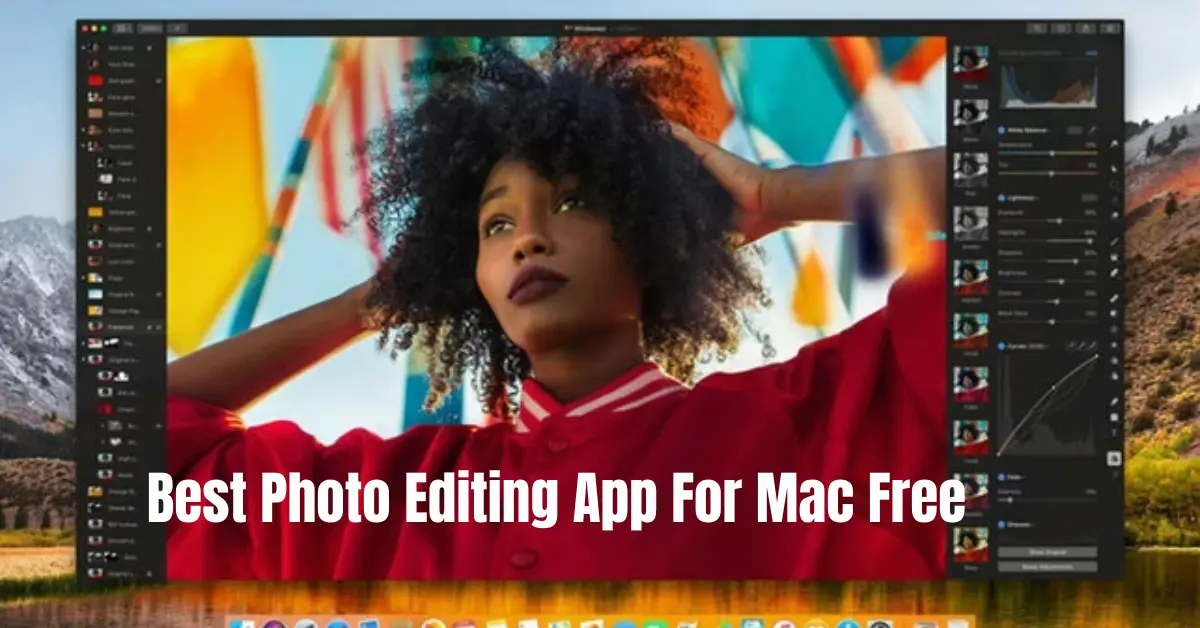
If you are trying to find the best photo editing app for Mac free, you’re probably looking for something that is easy to use, powerful enough for good results, and doesn’t require paying for expensive subscriptions. The truth is, Mac users actually have access to some excellent free photo editing tools that can handle everything from basic adjustments to professional-level editing.
The challenge is not finding an app—it’s choosing the right one for your needs. So let’s go step by step and explore the best options in detail so you can confidently pick the perfect tool.
1. Apple Photos – The Best Starting Point for Everyone
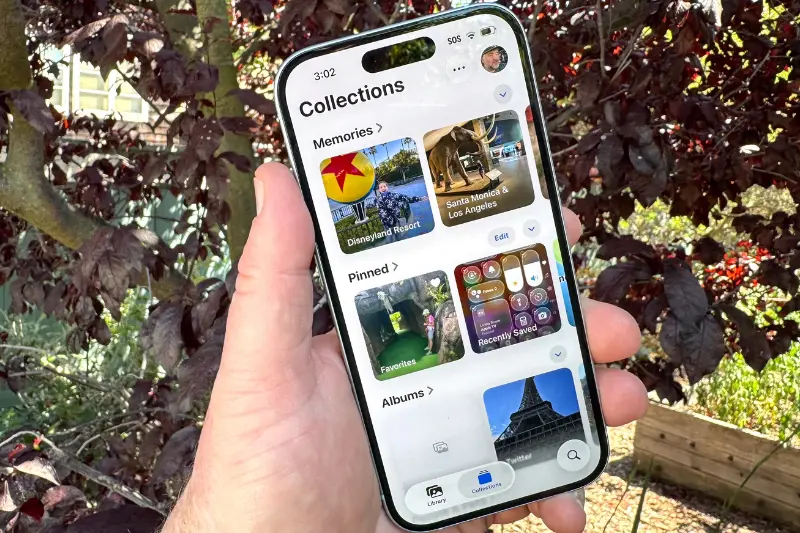
If you are completely new to editing, the first app you should try is Apple Photos, which comes pre-installed on every Mac.
Why it’s useful:
Apple Photos is designed to be simple and fast. You don’t need tutorials or editing knowledge to start using it.
Features in detail:
- Auto-enhance button that instantly improves lighting and color
- Manual controls for exposure, highlights, shadows, contrast, and saturation
- Crop, straighten, and rotate tools
- Built-in filters for quick style changes
- Basic retouch tools for removing small imperfections
Real use case:
Imagine you took a photo in low light. Instead of struggling with complex tools, Apple Photos lets you fix it in seconds using sliders.
Best for: Beginners, casual users, and quick social media edits
2. GIMP – Powerful Free Alternative to Photoshop
If you want something more advanced, GIMP (GNU Image Manipulation Program) is one of the strongest options in the free editing world.
It is often considered the best free alternative to Photoshop on Mac.
Why it stands out:
GIMP gives you full control over your images, similar to professional software.
Features in detail:
- Layer-based editing system (like Photoshop)
- Advanced color correction tools
- Healing and clone tools for removing objects
- Support for plugins and extensions
- Custom brushes and filters
- Supports multiple file formats including PSD
Real use case:
Let’s say you want to remove a person from the background or fix skin imperfections in a portrait—GIMP can handle that easily with precision tools.
Best for: Intermediate to advanced users who want full creative control
3. Canva – Best for Social Media and Fast Design
If your main goal is creating eye-catching posts rather than detailed editing, Canva is one of the best choices for Mac users.
Although it runs in a browser, it feels like a full editing app.
Why people love it:
Canva is extremely easy and focused on design rather than technical editing.
Features in detail:
- Drag-and-drop interface
- Thousands of free templates
- Text tools for posters, Instagram posts, and thumbnails
- Background remover (limited free usage)
- Stock photos and graphics library
- Easy resizing for different platforms
Real use case:
If you want to make an Instagram post or YouTube thumbnail in minutes, Canva is perfect. You don’t need editing skills at all.
Best for: Content creators, students, marketers, social media users
4. Darktable – Best Free Lightroom Alternative
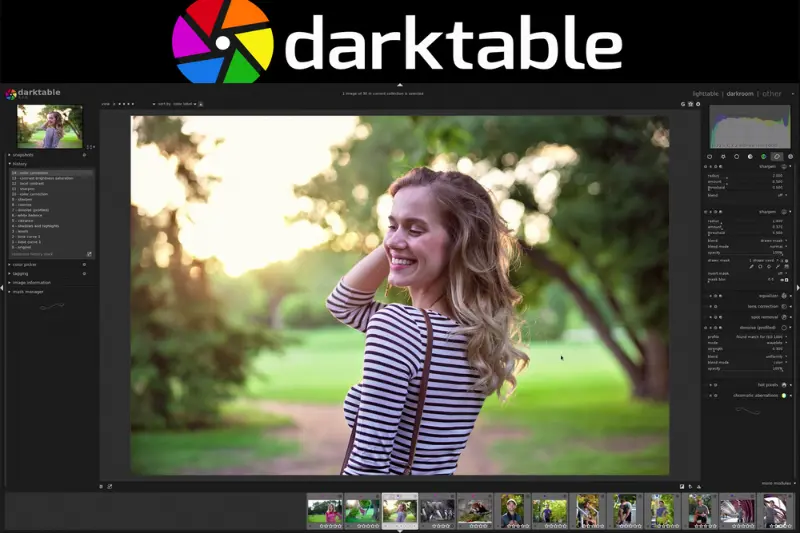
If you are serious about photography, Darktable is one of the most powerful free tools available for Mac.
It is designed for professional photo editing and RAW image processing.
Why it’s powerful:
It gives you deep control over lighting and color adjustments.
Features in detail:
- RAW image editing support
- Advanced color correction tools
- Exposure and tone mapping controls
- Non-destructive editing (original image stays safe)
- Image organization tools for photographers
- Professional-level color grading
Real use case:
If you shoot with a DSLR or mirrorless camera and want full control over lighting and color balance, Darktable gives you Lightroom-like results without paying.
Best for: Photographers and advanced users
5. Photopea – Photoshop in Your Browser
Photopea is a hidden gem that surprises many users. It runs directly in your browser but works like Photoshop.
Why it’s impressive:
It supports professional file formats and advanced editing tools.
Features in detail:
- Supports PSD (Photoshop files)
- Layer-based editing system
- Advanced selection tools
- Brushes, masks, and blending modes
- Works completely online
- No installation required
Real use case:
If someone sends you a PSD file and you don’t have Photoshop, Photopea lets you open and edit it instantly.
Best for: Users who want Photoshop-like features without installing software
6. Fotor – Simple One-Click Editing Tool
If you want something very quick and easy, Fotor is a great option.
Why it’s beginner-friendly:
It focuses on automatic enhancement rather than manual editing.
Features in detail:
- One-click photo enhancement
- Basic filters and effects
- Beauty retouch tools
- Collage maker
- Simple cropping and resizing
- Batch editing support
Real use case:
You upload a photo, click “Enhance,” and instantly get a better version without doing anything complicated.
Best for: Quick edits and beginners
Which Is the Best Photo Editing App for Mac Free?
Now let’s make it simple for you:
- If you are a beginner → Apple Photos or Fotor
- If you want social media content → Canva
- If you want professional editing → GIMP or Photopea
- If you are a photographer → Darktable
So the best photo editing app for Mac free really depends on what you want to achieve.
There is no single “perfect” app—but there is definitely a perfect app for your needs.
Final Thoughts
Choosing the best photo editing app for Mac free becomes much easier when you understand what each tool offers. You don’t need expensive software to create beautiful images anymore. Mac users today have access to powerful free tools that can handle everything from simple edits to professional-grade photo manipulation.
If you’re just starting, begin with Apple Photos. If you want to grow your skills, try GIMP or Darktable. And if your focus is social media, Canva will make your life much easier.
The best part? You can try all of them for free and decide what fits your workflow best.
FAQs – Best Photo Editing App for Mac Free
1. What is the best photo editing app for Mac free?
The best photo editing app for Mac free depends on your needs. For beginners, Apple Photos is great. For advanced editing, GIMP or Photopea are excellent. For photographers, Darktable is one of the best free options.
2. Is there a Photoshop alternative for Mac for free?
Yes, GIMP and Photopea are the most popular free alternatives to Photoshop on Mac. Both offer layers, advanced editing tools, and professional-level features.
3. Can I edit photos professionally on Mac for free?
Yes, you can. Apps like GIMP and Darktable provide professional-grade editing tools such as RAW processing, color correction, and advanced retouching without any cost.
4. What is the easiest photo editing app for Mac beginners?
The easiest option is Apple Photos, which is already installed on Mac. It offers simple sliders, filters, and auto-enhance tools that make editing very beginner-friendly.
5. Is Canva good for photo editing on Mac?
Yes, Canva is excellent for quick and creative photo editing, especially for social media posts, thumbnails, and designs. However, it is not ideal for deep professional photo retouching.
