
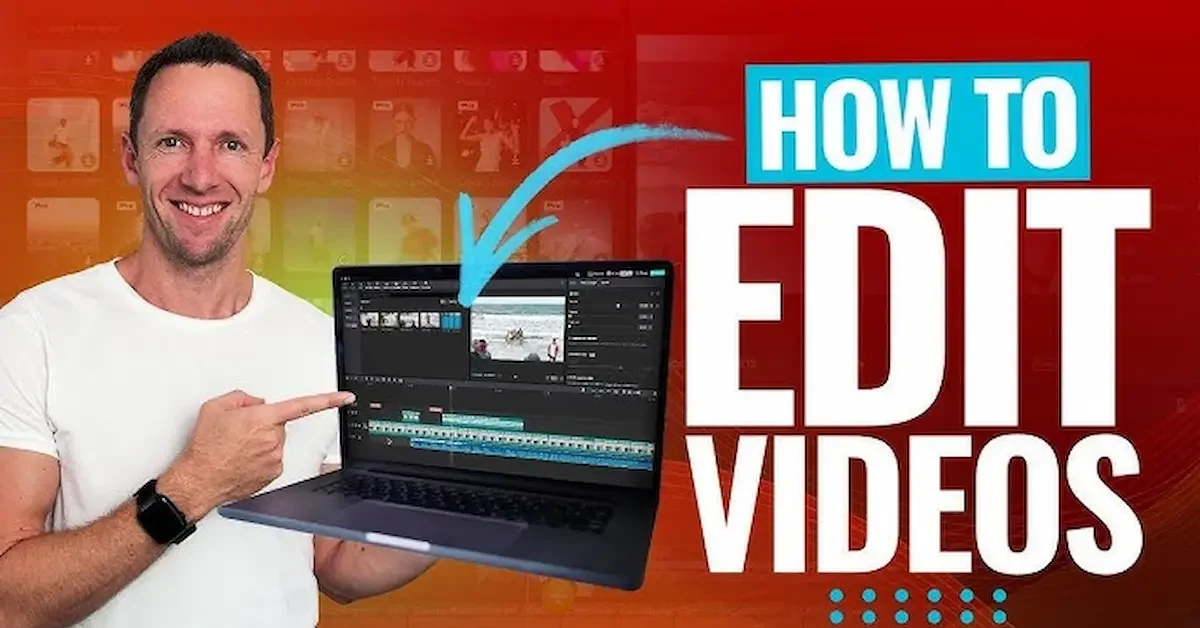
Video editing has become easier than ever, and you do not need to be a professional editor to create a good-looking video. With a laptop, the right editing software, and a little practice, you can turn your raw clips into a smooth and engaging video.
If you are wondering how to edit video in laptop, the process is actually quite simple once you understand the basic tools. You can cut unwanted parts, arrange clips, add music, include text and captions, adjust colors, add transitions, and export the finished video in a format that works for your needs.
Editing videos on a laptop also gives you more space to work compared with a phone. The larger screen makes it easier to manage multiple clips, adjust audio, and work with a timeline. This can be especially helpful when creating videos for YouTube, Instagram, TikTok, school projects, or personal use.
The good news is that there are many video editing programs available, including beginner-friendly free options. You can start with basic features and gradually learn more advanced techniques as you gain experience.
In this guide, we will explain how to edit video in laptop step by step. You will learn what you need to get started, how to import and edit clips, add music and text, improve your video, and export the final result. The goal is to make video editing simple and understandable, even if you are doing it for the first time.
What Is Video Editing?
Video editing is the process of taking raw video clips and turning them into a complete and enjoyable video. You can remove parts you do not need, arrange different clips, add music, include text, adjust the sound, and make other changes to improve the final result.
When learning how to edit video in laptop, you will usually work with a timeline. The timeline is where you place your video and audio clips in the order you want them to appear. From there, you can cut, trim, move, and adjust each part of your project.
Basic Things You Can Do With Video Editing
You do not need advanced skills to start. Most beginner-friendly editing programs provide simple tools that allow you to:
- Cut unwanted sections from a video
- Trim the beginning or end of a clip
- Join multiple clips together
- Add background music
- Record or add a voiceover
- Add text and captions
- Use simple transitions
- Adjust brightness and colors
- Change video speed
- Crop or resize the video
- Export the finished project
Why Is Video Editing Important?
Good editing can make an ordinary recording more interesting and easier to watch. For example, removing long pauses can make a tutorial feel faster, while adding captions can help viewers understand the content more easily.
You can also use editing to improve the flow of your video. By arranging clips in the right order and balancing the audio, you can create a video that looks and sounds much better than the original footage.
Video Editing Can Be Simple
Many people think video editing requires expensive equipment or professional experience, but that is not always true. If you are creating simple videos, you can start with basic editing features and learn as you go.
The most important thing is to practice. Once you become comfortable with cutting clips, working with the timeline, adding audio, and exporting videos, you can gradually explore more advanced editing features.
Why Edit Videos on a Laptop
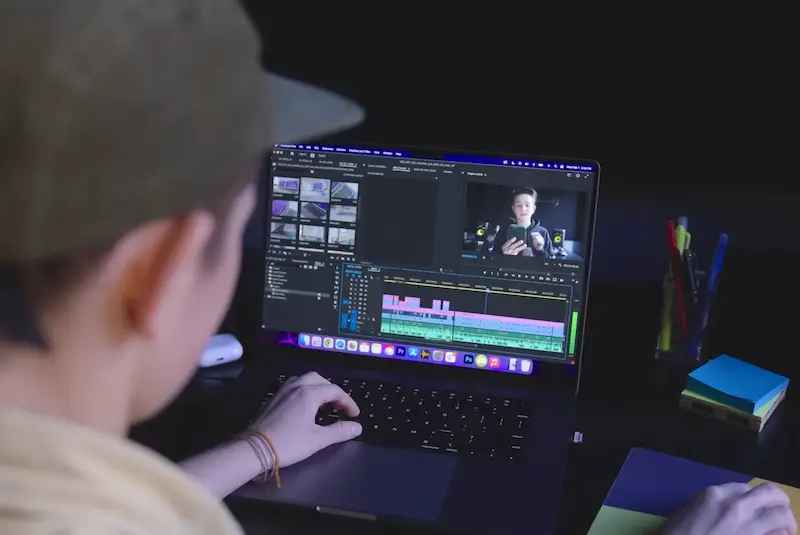
A laptop can be a great choice for video editing, especially when you want more control over your project. Compared with editing on a small phone screen, a laptop gives you a larger workspace where you can easily see your clips, timeline, audio, and editing tools.
If you are learning how to edit video in laptop, you will find that even basic editing tasks can become easier when you have enough screen space and a comfortable keyboard and mouse.
Larger Screen
A larger display makes it easier to see small details in your footage and work accurately on the timeline. You can also keep several editing panels open without making everything feel crowded.
Easier Timeline Editing
Video editors use a timeline to arrange clips, music, voiceovers, and other elements. On a laptop, you can move and adjust these elements more comfortably, which is especially helpful for longer projects.
Better File Management
Video projects often include many files, such as videos, photos, music, sound effects, and images. A laptop makes it easier to organize these files into folders and quickly find what you need.
More Editing Features
Many desktop and laptop editing programs provide a wide range of tools. Depending on the software, you may be able to adjust colors, improve audio, add captions, use transitions, and apply different effects.
Useful for Different Types of Videos
A laptop can be useful for editing YouTube videos, short social media clips, tutorials, presentations, family videos, school projects, and many other types of content.
Comfortable for Longer Projects
If you are editing a longer video, working on a laptop can be more comfortable because you have more space to organize your project. A keyboard and mouse can also make precise editing easier.
You Can Start With Basic Equipment
You do not necessarily need an expensive professional setup to begin. If your laptop can run your chosen editing software smoothly, you can start with simple projects and improve your skills over time.
The key is to choose an editing program that matches your laptop’s capabilities. For basic projects, a beginner-friendly editor may be all you need to create clean and enjoyable videos.
What Do You Need to Edit Videos on a Laptop?
Before learning how to edit video in laptop, it is helpful to prepare a few basic things. You do not need a professional studio or expensive equipment for simple video editing. A suitable laptop, editing software, and your media files are enough to get started. How To Edit Video In Laptop
A Suitable Laptop
Your laptop should have enough processing power, memory, and storage to run your chosen video editing software. The requirements can vary depending on the type of video you want to edit.
For simple 720p or 1080p projects, many modern laptops can handle basic editing. Higher-resolution videos, advanced effects, and large projects may require more powerful hardware. How To Edit Video In Laptop
Video Editing Software
You need a video editing program to cut clips, arrange footage, add music, insert text, and make other changes. Beginners should look for software with a simple interface and easy-to-understand tools.
You can choose between free and paid editing programs depending on your needs and budget.
Video and Audio Files
Prepare all the content you want to use before starting your project. This may include:
- Video clips
- Photos How To Edit Video In Laptop
- Background music
- Voice recordings
- Sound effects
- Logos or graphics
- Intro and outro clips
Keeping these files organized in separate folders can make the editing process much easier.
Enough Storage Space
Video files can take up a lot of storage, especially when recording in high resolution. Make sure your laptop has enough free space for your original footage, project files, temporary files, and final exported video. How To Edit Video In Laptop
If your laptop is running low on storage, consider removing unnecessary files or moving old projects to an external storage device.
Headphones or Speakers
Good audio is an important part of video editing. Headphones can help you hear background noise, music levels, voiceovers, and other small audio details more clearly. How To Edit Video In Laptop
A Mouse or Trackpad
A mouse can make precise editing easier, particularly when selecting clips, moving items on the timeline, and adjusting small controls. However, you can also edit using your laptop’s trackpad if that is more comfortable for you. How To Edit Video In Laptop
A Little Time and Practice
The most important thing you need is patience. You do not have to learn every editing feature at once. Start with basic tasks such as cutting clips, adding music, and inserting text. As you become more comfortable, you can gradually learn advanced tools and techniques.
Once you have these basics ready, you can move on to choosing your editing software and start creating your first video. How To Edit Video In Laptop
How to Choose the Right Video Editing Software
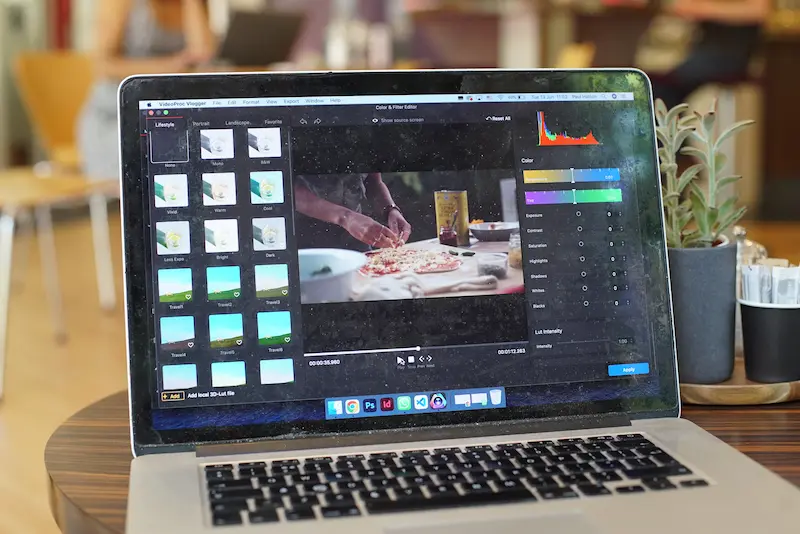
Choosing the right software is an important step when learning how to edit video in laptop. There are many video editors available, but the best option depends on your experience, laptop performance, editing needs, and budget. How To Edit Video In Laptop
If you are a beginner, you do not need to start with complicated professional software. A simple editor with basic tools can help you learn faster and become comfortable with video editing.
Look for an Easy Interface
Choose software with a clean and simple interface. You should be able to easily find the timeline, media library, preview window, and basic editing tools.
A complicated interface can feel confusing when you are just starting, so beginner-friendly software is often a better choice. How To Edit Video In Laptop
Check the Editing Features
Before installing an editor, check whether it includes the features you need. Basic tools should include:
- Cutting and trimming
- Splitting clips
- Adding music
- Adding text
- Adding captions How To Edit Video In Laptop
- Transitions
- Video resizing
- Speed adjustment
- Basic color correction
- Video export
If you plan to create more advanced videos later, you can choose software with additional features such as advanced color grading, audio editing, effects, and motion graphics. How To Edit Video In Laptop
Consider Your Laptop’s Performance
Not every editing program works equally well on every laptop. More advanced software may require better hardware, especially when editing high-resolution videos. How To Edit Video In Laptop
Before installing a program, check its minimum and recommended system requirements. Choosing software that your laptop can handle will help reduce freezing, lagging, and slow performance.
Free vs Paid Video Editing Software
Free video editors can be a good starting point for beginners. They may provide enough tools for basic projects without requiring a subscription or purchase. How To Edit Video In Laptop
Paid software may offer more advanced features, additional effects, professional tools, and more control over the editing process. However, you should only pay for features that you actually need.
Check Export Options
Make sure the software can export videos in a format and quality suitable for your intended use. MP4 is commonly used because it works well with many devices and online platforms. How To Edit Video In Laptop
You should also check whether the free version adds a watermark or places other limitations on exported videos.
Choose Software That Matches Your Goals
Think about what you want to create. If you only need to edit family clips or short social media videos, a simple editor may be enough. If you want to create professional YouTube videos or work on larger projects, you may eventually need more advanced software. How To Edit Video In Laptop
The best approach is to start with software you can understand comfortably. Once you learn the basic editing process, you can move to more advanced tools when your skills and projects require them.
Can I edit videos on a laptop?
Yes, you can edit videos on most modern laptops. You need suitable video editing software and enough storage and system resources to handle your video files.
Which software is best for editing videos on a laptop?
The best software depends on your laptop and editing needs. Beginners can start with an easy-to-use editor that offers basic cutting, trimming, text, audio, and export features.
Can I edit videos on a laptop for free?
Yes. Several video editing programs offer free versions or free tools that can be used for basic video editing. Check the features and export limitations before choosing one.
Conclusion
Learning how to edit video in laptop is easier when you start with the basics and practice regularly. You can begin by importing your clips, arranging them on the timeline, cutting unwanted sections, and then adding music, text, transitions, captions, and simple effects.
You do not need to become an expert immediately. Start with a beginner-friendly editing program and learn one tool at a time. As you gain experience, you can explore color adjustments, audio improvements, speed changes, and other advanced features.
Before exporting your video, watch the complete project and check the cuts, audio, text, and overall quality. Choose suitable export settings based on where you plan to share the video.
With regular practice and the right software, how to edit video in laptop can become a simple and enjoyable skill that helps you create better videos for YouTube, social media, school, work, or personal projects.
