
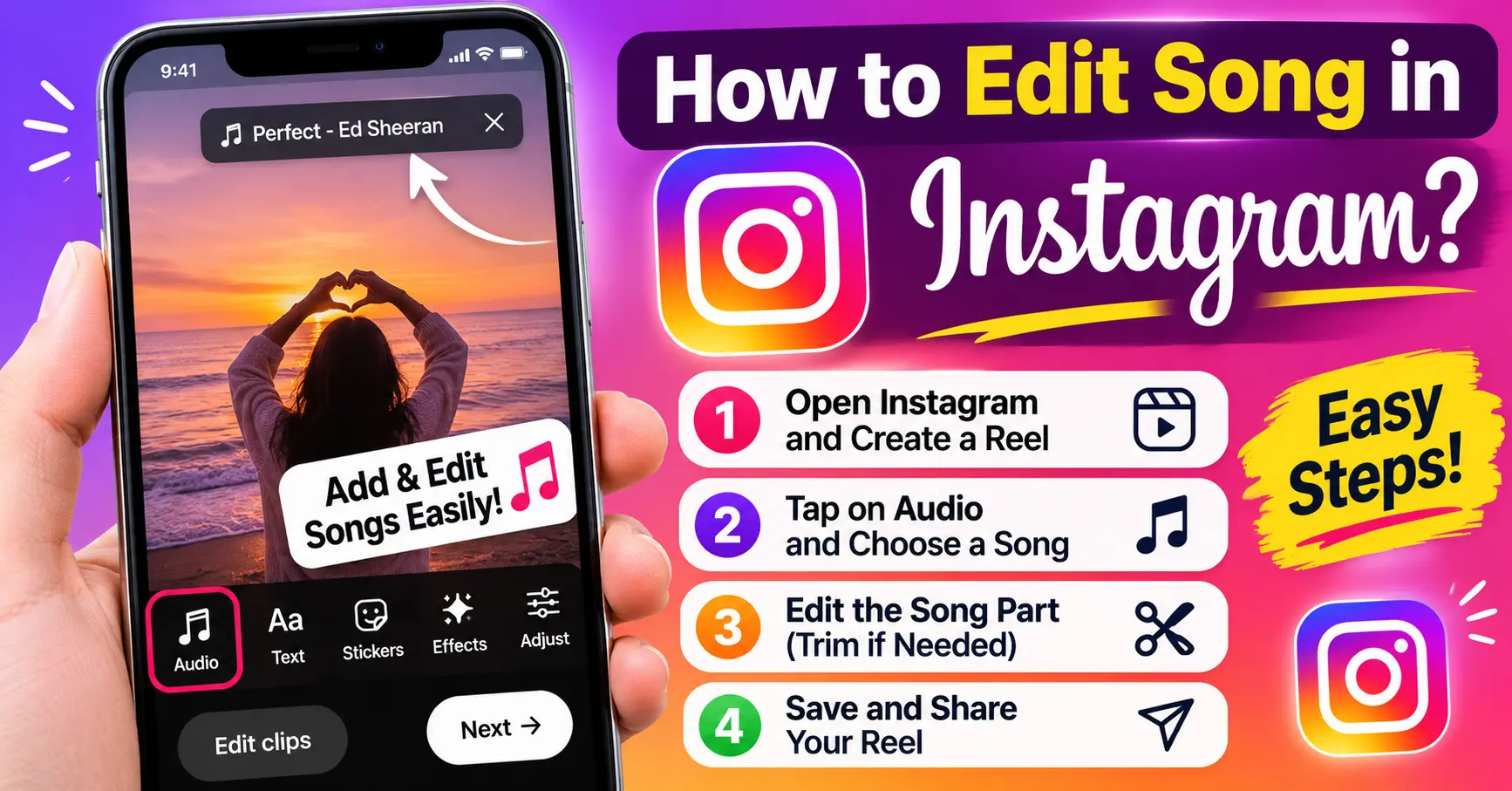
Instagram allows users to add music to posts to make their photos and videos more interesting. A suitable song can create the right mood, attract attention, and make your content more engaging. However, many users wonder how to edit song in Instagram post after publishing it.
The answer depends on the type of post and the editing options Instagram provides. You can usually change music while creating a new post, but editing an already published post has some limitations. In this guide, you will learn how to add, change, and manage songs on Instagram posts.
Can You Edit a Song in an Instagram Post After Publishing?
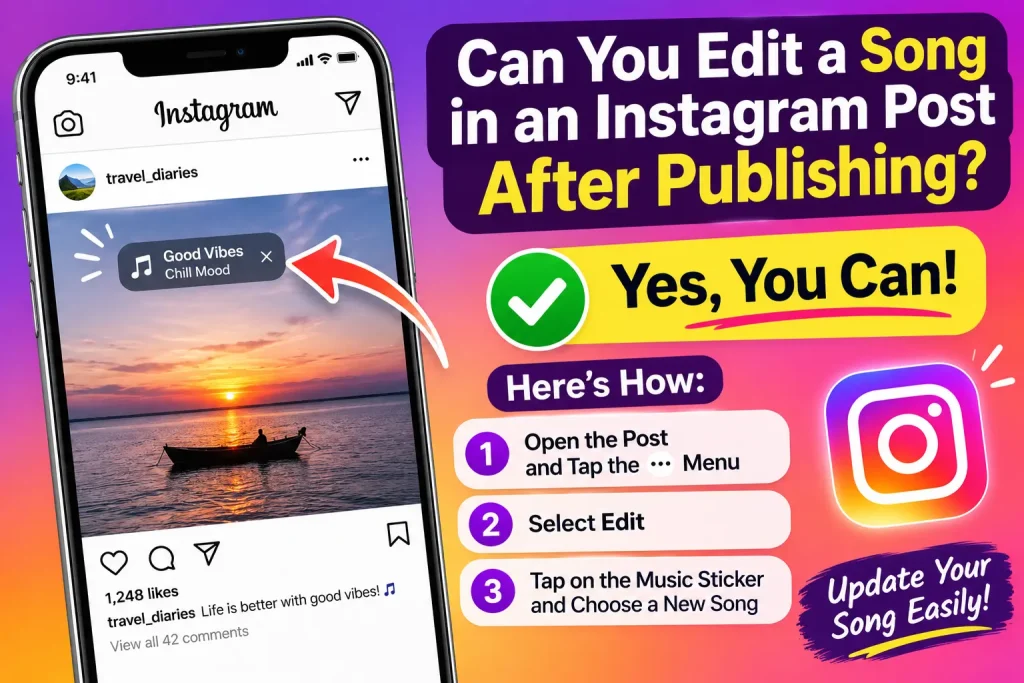
Instagram does not generally provide an option to replace or edit the music on an already published photo or video post. You can edit some post details, such as the caption, location, and tags, but changing the selected song may not be available.
If you want to use a different song, you may need to delete the original post and upload it again with your preferred music. Before deleting anything, make sure you have saved the original photo or video.
How to Add a Song to an Instagram Post
Follow these steps to add music when creating a new Instagram post:
- Open the Instagram app on your phone.
- Tap the plus (+) icon at the bottom or top of the screen.
- Select Post.
- Choose a photo or video from your gallery.
- Tap Next.
- Make any changes to your photo or video.
- Tap Add Music or Add Audio, if the option appears.
- Search for your favorite song.
- Select the part of the song you want to use.
- Tap Done and publish your post.
Your selected music will appear with the published post.
How to Change a Song Before Publishing an Instagram Post
If you have selected the wrong song but have not published your post yet, you can change it easily.
- Open your post in the Instagram creation screen.
- Find the selected music or audio option.
- Tap the song name or music controls.
- Remove the current selection, if an option is available.
- Search for another song.
- Choose the section you want to play.
- Preview your post before sharing it.
This allows you to select a song that better matches your content.
How to Change Music on an Already Published Instagram Post
If your post is already live, Instagram may not let you replace its music. You can try the following alternative:
Option 1: Delete and Re-upload the Post
This is one way to use a different song.
- Open your Instagram profile.
- Select the post you want to change.
- Tap the three-dot menu.
- Choose Delete.
- Upload the same photo or video again.
- Select your preferred song before publishing.
Remember that deleting and re-uploading a post can remove its existing likes, comments, and engagement.
Option 2: Archive the Original Post
If you do not want the original post to remain visible, you can archive it instead of deleting it.
- Open the Instagram post.
- Tap the three-dot menu.
- Select Archive, if available.
- Create a new post with the correct song.
Archiving hides the original post from your profile without permanently deleting it.
How to Edit Music on an Instagram Reel
Instagram Reels offer different audio editing options before publishing.
Follow these steps:
- Open Instagram and tap the plus (+) icon.
- Select Reel.
- Upload a video or record a new one.
- Tap Add Audio.
- Search for the song you want.
- Select the required part of the audio.
- Adjust the audio volume if the controls are available.
- Preview the Reel and publish it.
You can also use Instagram’s editing tools to adjust clips and synchronize your video with the music.
Why Can’t I Add or Change Music on Instagram?
Sometimes, the music option does not appear or certain songs are unavailable. There can be several reasons.
- Account type: Some business accounts have limited access to licensed music.
- Regional restrictions: Music availability can vary by country.
- Copyright rules: Certain songs may not be available for every type of content.
- App version: An outdated Instagram app may not show all available features.
- Temporary errors: Instagram may experience technical problems.
To solve these issues, update Instagram, restart the app, and check whether the music feature is available on another type of post.
You may also like it:
How To Edit Image Text In Word – Aarya Editz
How To Edit Video In Iphone – Aarya Editz
How To Edit Resume In Laptop – Aarya Editz
How To Edit Photos In Mobile – Aarya Editz
Tips for Choosing the Right Song for an Instagram Post
Choosing suitable music can make your post more appealing. Keep these tips in mind:
- Select a song that matches the mood of your photo or video.
- Choose a suitable part of the song instead of using a random section.
- Make sure the music does not overpower important video sounds.
- Use available Instagram music options to avoid unnecessary copyright problems.
- Preview the post before sharing it with your followers.
Frequently Asked Questions
1. Can I change the song on an Instagram post after posting it?
Instagram generally does not allow users to replace the music on an already published photo or video post. You may need to upload the content again with a different song.
2. How do I add music to an Instagram post?
Tap the plus (+) icon, select Post, choose your photo or video, and look for the Add Music option before publishing.
3. Can I edit Instagram Reel music after posting?
Music editing options for published Reels are limited and may not allow you to replace the original audio. Check the editing options available on your Reel.
4. Why is my favorite song not available on Instagram?
Some songs are restricted because of licensing agreements, account type, or regional availability. Try searching for another version or a different track.
5. Can I remove music from an Instagram post?
Instagram may not provide an option to remove or replace music after a post has been published. If editing is unavailable, you may need to archive or delete the post and upload it again.
Conclusion
Learning how to edit song in Instagram post can help you create better content and choose music that matches your photos and videos. You can easily add or change music before publishing a post. However, Instagram generally does not allow users to replace the song on an already published post. If you need different music, uploading the content again is usually the simplest solution.
