LATEST POST'S

    Best Laptop for Adobe Creative Cloud (2026 Guide)

    16 Apr 2026

    GIMP Pixel Art – Complete Beginner to Pro Guide

    15 Apr 2026

    Best Photo App – Complete Guide to Choosing the Right One

    14 Apr 2026
    Facebook Twitter Instagram Pinterest YouTube WhatsApp
    Facebook Twitter Instagram Pinterest YouTube WhatsApp
    Aarya Editz
    • Homepage
    • Adobe Lightroom
    • Adobe Photoshop
    • Creative Photo Effects
    • Mobile Editing Apps
    • Portrait Retouching
    • Caption
    • Blog
    Aarya Editz
    Home»Adobe Lightroom»Best Laptop for Adobe Creative Cloud (2026 Guide)
    Adobe Lightroom

    Best Laptop for Adobe Creative Cloud (2026 Guide)

    Rabia AlamBy Rabia Alam16 Apr 2026No Comments4 Mins Read
    Facebook Twitter Pinterest LinkedIn Tumblr Email WhatsApp
    best laptop for adobe creative cloud
    Share
    Facebook Twitter LinkedIn Pinterest Email WhatsApp

    Table of Contents

    Toggle
    • Why You Need a Powerful Laptop for Adobe Creative Cloud
    • Minimum Requirements for Adobe Creative Cloud
      • 1. Processor (CPU)
      • 2. RAM (Memory)
      • 3. Graphics Card (GPU)
      • 4. Storage (SSD)
      • 5. Display Quality
    • Best Laptop for Adobe Creative Cloud (Top Picks)
      • 1. Apple MacBook Pro (M4 Pro / M4 Max) – Best Overall
      • 2. ASUS ProArt P16 – Best for Designers
      • 3. Samsung Galaxy Book4 Ultra – High Performance
      • 4. Dell XPS 15 / 16 – Premium Windows Option
      • 5. ASUS ProArt PX13 – Best 2-in-1 Laptop
    • Real Talk: What Should You Actually Buy?
    • Common Mistakes to Avoid
    • Final Thoughts
    • FAQs
      • 1. What is the best laptop for Adobe Creative Cloud?
      • 2. Is 16GB RAM enough for Adobe?
      • 3. Do I need a GPU for Adobe apps?
      • 4. Which is better: Mac or Windows?

    If you’re using Adobe apps like Photoshop, Premiere Pro, Illustrator, or After Effects, choosing the best laptop for Adobe Creative Cloud is super important. A slow laptop can ruin your workflow, cause lag, and waste your time.

    So let’s talk like real people and figure out which laptop is actually worth your money.

    Why You Need a Powerful Laptop for Adobe Creative Cloud
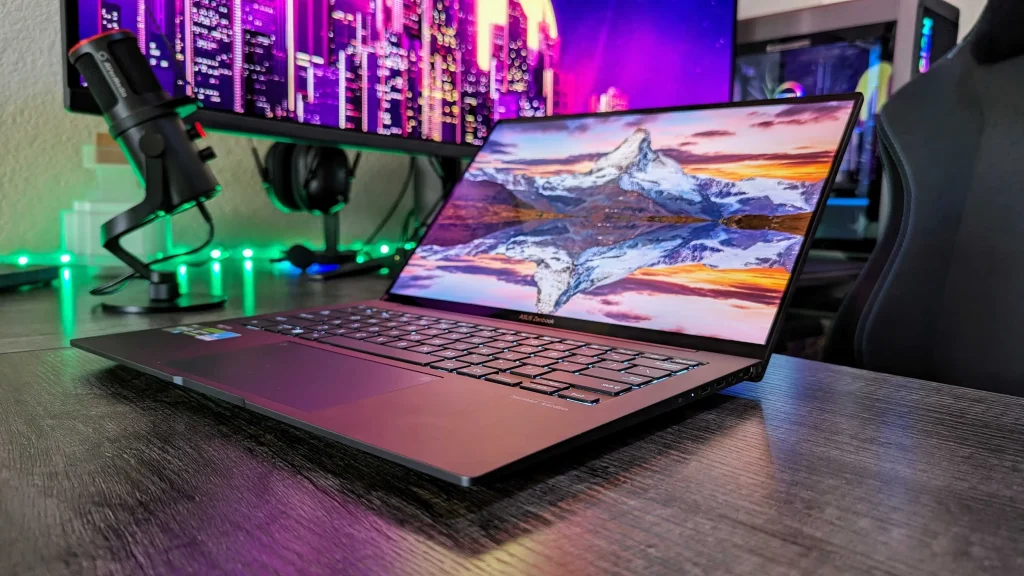
    why you need a powerful laptop for adobe creative cloud

    Adobe Creative Cloud isn’t just simple software anymore—it’s heavy, professional-level tools.

    When you:

    • Edit 4K videos
    • Work on large Photoshop files
    • Run multiple apps together

    Your laptop needs serious power.

    👉 A weak laptop = slow exports, lag, crashes
    👉 A strong laptop = smooth editing, fast work, no stress

    Minimum Requirements for Adobe Creative Cloud

    Before picking the best laptop for Adobe Creative Cloud, you need to understand what really matters:

    1. Processor (CPU)

    • Go for Intel Core i7 / i9 or AMD Ryzen 7 / 9
    • Apple users → M-series chips (M3, M4 Pro, etc.)

    👉 Strong CPU = faster editing & rendering

    2. RAM (Memory)

    • Minimum: 16GB
    • Recommended: 32GB

    👉 More RAM = smoother multitasking

    3. Graphics Card (GPU)

    • NVIDIA RTX 4050 / 4060 / 4070 (or higher)
    • Apple integrated GPU is also powerful

    👉 Important for video editing & effec

    4. Storage (SSD)

    • Minimum: 512GB
    • Recommended: 1TB

    👉 SSD = fast speed + quick file loading

    5. Display Quality

    • 100% sRGB or DCI-P3
    • OLED or IPS panel

    👉 Accurate colors = better design work

    You may also like it:

    DSLR Camera Editing App For Professional Photos – Aarya Editz

    PicSay Pro Mod APK Free Download – All Features Unlocked

    LR Editing App Download – Unlock Premium Features Free

    Best Laptop for Adobe Creative Cloud (Top Picks)

    Now let’s get to the real part — the best options 👇

    1. Apple MacBook Pro (M4 Pro / M4 Max) – Best Overall

    If you want the best laptop for Adobe Creative Cloud, this is top-tier.

    • Super fast performance
    • Amazing battery life
    • Perfect for video editing & design

    👉 Many experts consider it the best for creative workflows

    2. ASUS ProArt P16 – Best for Designers

    • 4K OLED display
    • Powerful AMD Ryzen processor
    • Built for creative professionals

    👉 Perfect for Photoshop, Illustrator, and color work

    3. Samsung Galaxy Book4 Ultra – High Performance

    • Intel Core Ultra 9
    • RTX 4070 GPU
    • AMOLED display

    👉 Great for heavy Adobe tasks like Premiere Pro

    4. Dell XPS 15 / 16 – Premium Windows Option

    • Sleek design
    • Strong performance
    • High-quality display

    👉 Best balance of power + portability

    5. ASUS ProArt PX13 – Best 2-in-1 Laptop

    • Touch + stylus support
    • Flexible design
    • Strong GPU performance

    👉 Great for artists and designers

    Real Talk: What Should You Actually Buy?

    Let me simplify it for you:

    • 💻 Beginner → i7 + 16GB RAM
    • 🎨 Designer → OLED display + color accuracy
    • 🎬 Video Editor → RTX GPU + 32GB RAM
    • 🔥 Pro User → MacBook Pro or high-end workstation

    Common Mistakes to Avoid

    Don’t make these mistakes:

    ❌ Buying a laptop with 8GB RAM
    ❌ Ignoring GPU for video editing
    ❌ Choosing HDD instead of SSD
    ❌ Going for cheap low-power CPUs

    👉 These will slow you down badly.

    Final Thoughts

    Finding the best laptop for Adobe Creative Cloud is all about performance, not just price.

    If you’re serious about your work:

    • Invest in a powerful machine
    • Focus on CPU, RAM, and GPU
    • Don’t compromise on display

    👉 Because your laptop is your main tool—choose wisely.

    FAQs

    1. What is the best laptop for Adobe Creative Cloud?

    MacBook Pro (M4 Pro/Max) is currently the best overall choice.

    2. Is 16GB RAM enough for Adobe?

    Yes, but 32GB is much better for smooth performance.

    3. Do I need a GPU for Adobe apps?

    Yes, especially for Premiere Pro and After Effects.

    4. Which is better: Mac or Windows?

    Both are great—Mac for stability, Windows for flexibility.

    Spread the love


    Share. Facebook Twitter Pinterest LinkedIn Tumblr Email WhatsApp
    Rabia Alam
    • Website

    Related Posts

    Pro Lightroom Presets – The Ultimate Guide to Transforming Your Photos

    21 Jul 2025

    XMP to DNG – A Complete, Easy-to-Understand Guide

    21 Jul 2025

    Lightroom APK Pro—A Deep‑Dive Guide in Plain English

    16 Jul 2025

    Leave A Reply Cancel Reply

    Ad
    • Facebook
    • Twitter
    • Pinterest
    • Instagram
    • YouTube
    • TikTok
    • Telegram
    • WhatsApp
    LATEST POST'S

    Best Laptop for Adobe Creative Cloud (2026 Guide)

    16 Apr 2026

    GIMP Pixel Art – Complete Beginner to Pro Guide

    15 Apr 2026

    Best Photo App – Complete Guide to Choosing the Right One

    14 Apr 2026

    PicsArt – Complete Guide to Photo Editing App

    12 Apr 2026
    Ad2
    About Us

    Aarya Editz brings creativity and quality together, offering engaging content and services that inform, inspire, and entertain. Connect with us to explore our latest work.

    You should also write articles for Aarya Editz

    We're accepting new partnerships right now.

    Email Us:
    blooginga@gmail.com |
    WhatsApp:
    +92 348 273 6504

    | ซื้อหวยออนไลน์

    บาคาร่า ออนไลน์

    สล็อต

    LATEST POST'S

    Best Laptop for Adobe Creative Cloud (2026 Guide)

    16 Apr 2026

    GIMP Pixel Art – Complete Beginner to Pro Guide

    15 Apr 2026

    Best Photo App – Complete Guide to Choosing the Right One

    14 Apr 2026

    Subscribe to Updates

    Get the latest creative news from FooBar about art, design and business.

    Facebook Twitter Instagram Pinterest YouTube WhatsApp
    • Homepage
    • Privacy Policy
    • About Us
    • Contact Us
    • Terms and Conditions
    • Disclaimer
    • Write For Us
    © 2026 Designed by Aarya Editz.

    Type above and press Enter to search. Press Esc to cancel.