
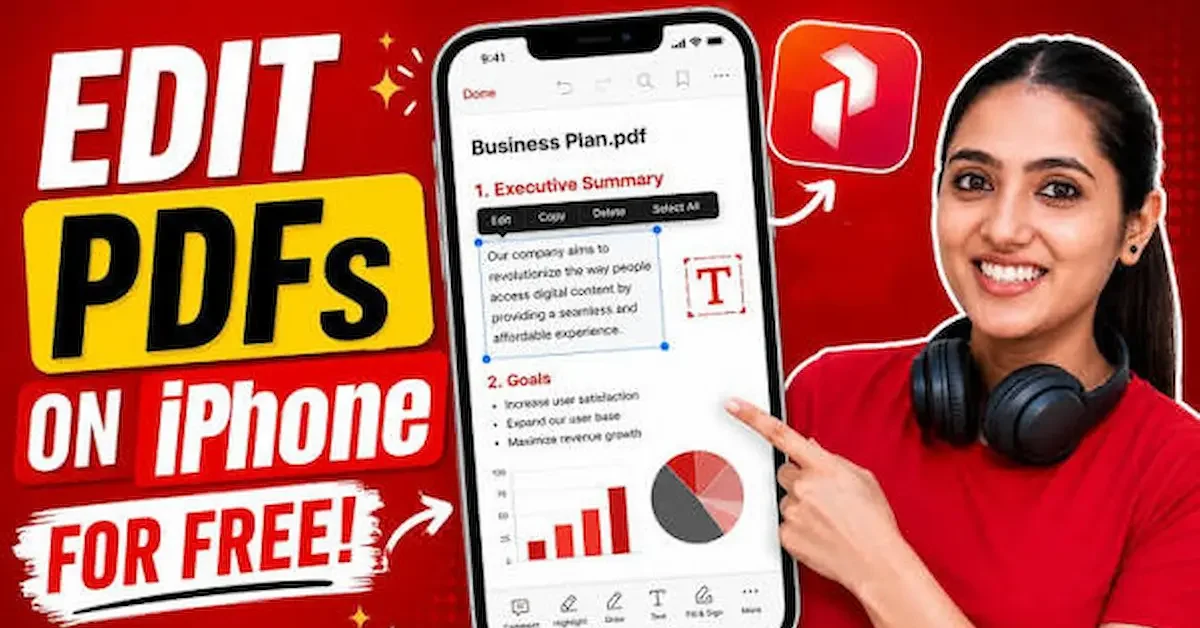
PDF files are commonly used for sharing important documents such as notes, forms, reports, and official papers. Many iPhone users often need to make changes to these files but don’t want to use paid software or a computer. The good news is that you can easily edit PDF on iPhone free using built-in tools and free applications
With the help of your iPhone, you can highlight text, add notes, sign documents, and even fill forms without any cost. These simple features make it very convenient for students, office workers, and everyday users to manage their documents anytime and anywhere
In this guide, we will explain the best free methods, apps, and step-by-step instructions to help you edit PDF files on your iPhone in an easy and user-friendly way
What Does “Edit PDF on iPhone Free” Mean?
Editing a PDF on iPhone for free means making changes to a PDF file directly on your iPhone without paying for any software or using a computer. It allows users to modify, add, or adjust content inside a PDF using free tools and apps
Simple Explanation
In easy words, it means you can open a PDF file on your iPhone and make small or useful changes like adding text, highlighting important lines, signing documents, or filling out forms without any cost
Types of PDF Editing You Can Do
With free tools on iPhone, you can perform different types of editing such as:
- Highlight important text
- Add comments or notes
- Insert digital signatures
- Fill out PDF forms
- Draw or mark sections
Why This Feature Is Useful
This feature is very helpful because it saves time and removes the need for printing or using a computer. Users can quickly edit documents while traveling, studying, or working
Easy Access for Everyone
Even beginners can use these features because most apps are simple and user-friendly. No technical skills are required to start editing PDFs on an iPhone
Modern Digital Convenience
In today’s digital world, editing PDFs on mobile devices has become very common. It provides a fast, flexible, and convenient way to manage documents anytime, anywhere
Why You Need Free PDF Editing on iPhone
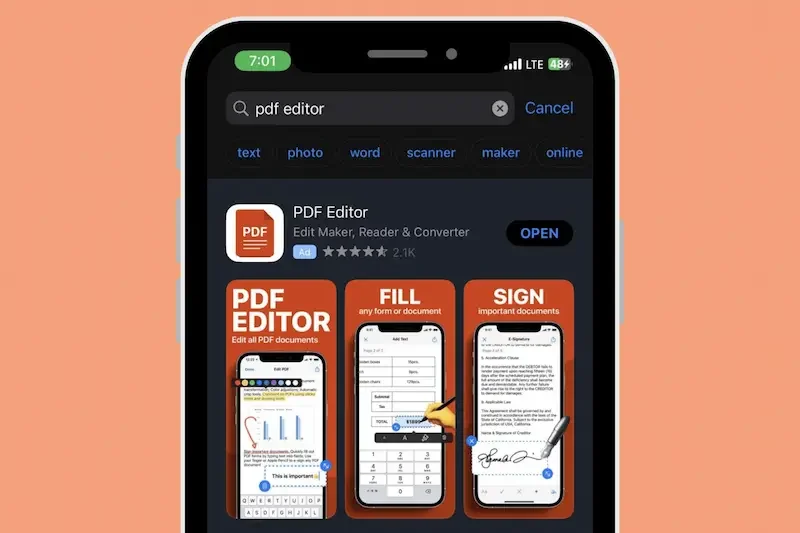
Being able to edit PDF on iPhone free is very useful in daily life because it removes the need for expensive software or a computer. It gives users full flexibility to handle documents directly from their mobile device
No Extra Cost Required
One of the biggest advantages is that you don’t need to pay for premium tools. Many built-in iPhone features and free apps allow basic and useful PDF editing without any subscription
Works Anytime, Anywhere
You can edit PDF files wherever you are—at home, school, office, or while traveling. This makes it a very convenient solution for urgent document changes
Helpful for Students
Students can easily edit lecture notes, assignments, and study materials. They can highlight important points, add comments, and organize information in a simple way
Useful for Office Work
Professionals can use free PDF editing to fill forms, sign documents, and make quick corrections in reports. This improves work efficiency and saves time
No Computer Needed
Everything can be done directly on your iPhone. You don’t need a laptop or desktop, which makes the process faster and more accessible
Quick and Simple Process
Most apps are designed with a user-friendly interface. Even beginners can quickly learn how to open and edit PDF files without technical skills
Supports Daily Productivity
Free PDF editing helps users stay organized and productive by allowing them to manage documents instantly instead of waiting for office tools or printing services
Eco-Friendly Solution
By editing PDFs digitally, users reduce the need for printing, which helps save paper and supports a more environmentally friendly workflow.
You may also like it:
Best Boy Photo Editor For Men: A Unique Guide – Aarya Editz
Edit Photos With Best Headshot And GFX Tools – Aarya Editz
Best Death Photo Frames Online Editing – Complete Guide – Aarya Editz
Best Free Ways to Edit PDF on iPhone
There are several easy and free methods to edit PDF on iPhone free without needing paid software. These tools are simple, user-friendly, and suitable for beginners as well as professionals
Apple Files App (Built-in Tool)
The iPhone Files app is a free built-in option that allows basic PDF editing. You can:
- Highlight text
- Add drawings or marks
- Insert a signature
- Fill simple forms
It is the easiest option because no download is required
Apple Books App
Apple Books is another free tool that helps you:
- Open and read PDF files
- Highlight important text
- Add notes and comments
It is perfect for reading and light editing
Adobe Acrobat Reader (Free Version)
Adobe Acrobat Reader is one of the most powerful free tools for PDF editing on iPhone. It allows users to:
- Add text and comments
- Highlight and underline content
- Fill out forms
- Add digital signatures
- Share edited PDFs easily
Google Drive
Google Drive also provides simple PDF viewing and basic management features. You can:
- Open PDF files online
- Store documents safely
- Access files from any device
Other Free PDF Apps
There are also many other free apps available on the App Store that offer basic PDF editing features such as annotation, signing, and file sharing
Simple and Flexible Options
All these tools are designed to make PDF editing easy, fast, and accessible for everyone without any cost or technical skills
How to Edit PDF on iPhone Free (Step-by-Step)
Editing a PDF on iPhone is very simple when you follow the right steps. You can easily make changes using built-in tools or free apps without needing a computer
Step 1: Open Your PDF File
First, locate your PDF file in the Files app, Mail, WhatsApp, or any other app. Tap on the file to open it on your iPhone
Step 2: Choose an Editing Tool
Select the tool you want to use. You can use:
- Apple Files (built-in option)
- Apple Books
- Adobe Acrobat Reader
- Google Drive or other free apps
Step 3: Start Editing the PDF
Now begin editing your file based on your needs:
- Highlight important text
- Add comments or notes
- Insert your signature
- Fill out forms
- Draw or mark sections
Step 4: Save Your Changes
After editing, make sure to save your updated file. Most apps allow you to save it directly or create a new copy of the edited PDF Edit Pdf On Iphone Free
Step 5: Share or Export the File
You can easily share your edited PDF via email, WhatsApp, or cloud storage. This makes it convenient to send documents instantly Edit Pdf On Iphone Free
Simple and Fast Process
The whole process is very quick and beginner-friendly. With just a few taps, you can edit any PDF file directly on your iPhone without any cost or technical skills Edit Pdf On Iphone Free
Key Features of Free PDF Editing on iPhone
Free PDF editing on iPhone comes with many useful features that make it easy to manage documents without paying for expensive tools. These features are designed to be simple, fast, and user-friendly
Highlight Important Text
You can easily highlight key information in a PDF file. This is very useful for students and professionals who want to focus on important points Edit Pdf On Iphone Free
Add Comments and Notes
Most free tools allow you to add notes or comments directly inside the PDF. This helps in better understanding and reviewing documents Edit Pdf On Iphone Free
Fill Out Forms
You can complete PDF forms directly on your iPhone by typing in the required fields. This saves time and removes the need for printing
Add Digital Signature
Free PDF tools also allow you to sign documents electronically. This is helpful for official papers, agreements, and approvals
Draw or Mark Content
Users can draw shapes, underline text, or mark sections to make important parts more visible Edit Pdf On Iphone Free
Easy File Sharing
After editing, you can quickly share your PDF through email, WhatsApp, or cloud storage apps
Offline Access
Many apps allow you to edit PDFs even without an internet connection once the file is downloaded
Beginner-Friendly Interface
Most apps are designed with simple layouts so that anyone can use them easily without technical knowledge Edit Pdf On Iphone Free
Works on Multiple Apps
These features are available in built-in iPhone tools as well as third-party apps like Adobe Acrobat Reader, giving users flexible options Edit Pdf On Iphone Free
Fast and Convenient Editing
Overall, these features make PDF editing quick, convenient, and accessible for everyone using an iPhone
Can I edit PDF on iPhone free?
Yes, you can easily edit PDF on iPhone free using built-in tools like Files and Apple Books or free apps like Adobe Acrobat Reader
Which is the best free PDF editor for iPhone?
Adobe Acrobat Reader is one of the best free options because it offers features like editing, signing, highlighting, and commenting
Do I need internet to edit PDF on iPhone?
No, many PDF editing features work offline once the file is downloaded on your device
Conclusion
In conclusion, editing PDF on iPhone free is a very easy and useful solution for managing documents without needing a computer or paid tools. With simple built-in features and free apps, users can quickly handle important tasks like highlighting text, adding notes, signing documents, and filling forms
Whether you are a student, office worker, or casual user, tools like Apple Files, Apple Books, and Adobe Acrobat Reader make PDF editing fast, flexible, and convenient on iPhone Edit Pdf On Iphone Free
Overall, free PDF editing on iPhone helps save time, improve productivity, and makes document management simple and accessible anytime, anywhere Edit Pdf On Iphone Free
