
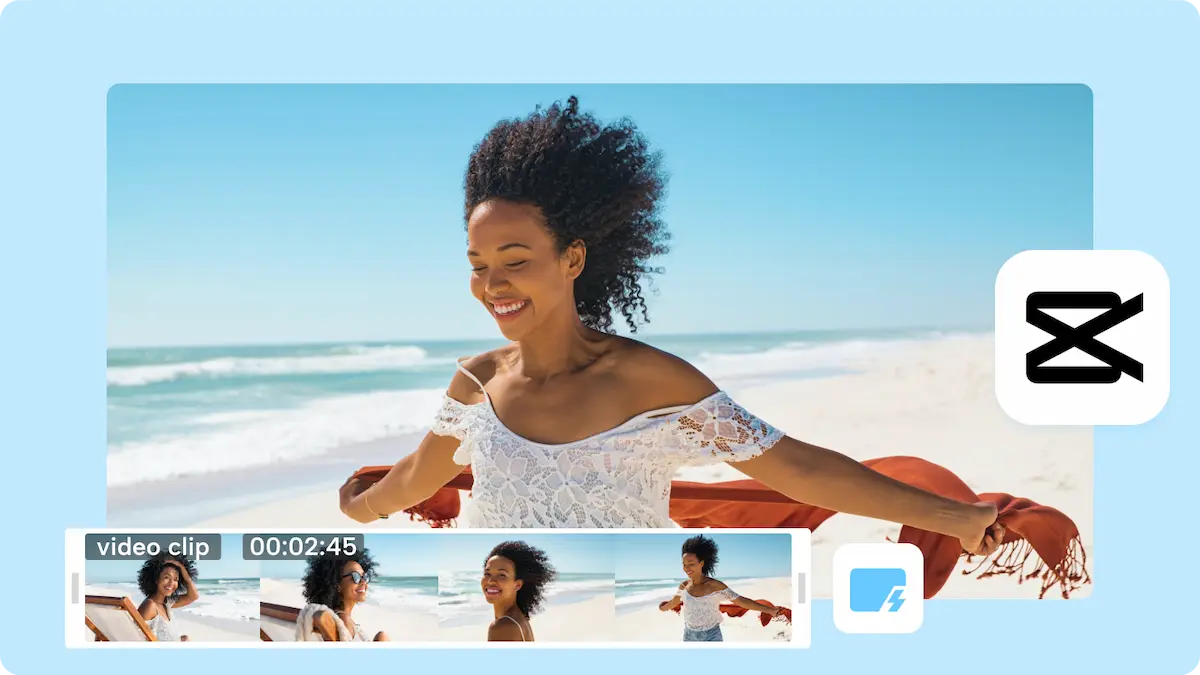
In today’s digital world, short-form videos dominate social media platforms like Instagram, Facebook, TikTok, and YouTube Shorts. Creating engaging reels can be time-consuming, but an automatic reel maker simplifies this process by allowing users to generate high-quality videos quickly and efficiently. These tools automatically combine images, video clips, text, and music into visually appealing reels, making content creation faster and easier than ever before.
Whether you’re a content creator, marketer, small business owner, or social media enthusiast, an automatic reel maker can help you produce professional-looking videos without advanced editing skills.
What Is an Automatic Reel Maker?
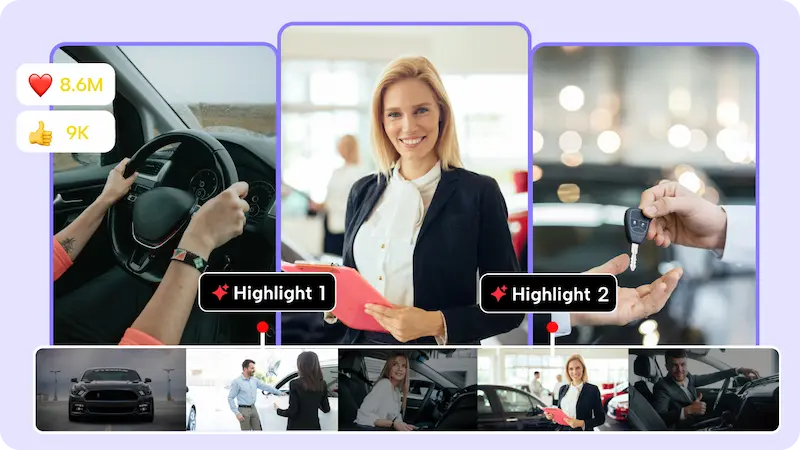
An automatic reel maker is software or an online tool that generates short videos automatically. Users can upload photos, video clips, or text, and the tool will combine them with effects, transitions, and music to create a ready-to-post reel. Some tools even use AI to suggest templates, layouts, and music that suit your content style.
Key features include:
- Auto-editing of video clips and photos
- Pre-made templates for reels
- Music synchronization
- Text overlays and captions
- Transitions and effects
- Aspect ratio adjustment for different social platforms
Benefits of Using an Automatic Reel Maker
1. Saves Time
Creating reels manually can take hours. Automatic reel makers streamline the process, reducing editing time to just a few minutes.
2. Easy for Beginners
Even users with no video editing experience can create professional-looking reels effortlessly.
3. Consistency in Branding
Businesses can maintain a consistent style and theme across all reels by using templates and custom branding options.
4. AI-Powered Suggestions
Some advanced tools suggest video clips, music, and transitions that best match your content, improving engagement.
5. Enhances Engagement
High-quality reels attract more views, likes, and shares, helping creators and businesses reach a wider audience.
How to Use an Automatic Reel Maker
- Choose a Tool – Pick an automatic reel maker suitable for your platform (web-based or app).
- Upload Content – Add images, videos, or text you want in the reel.
- Select a Template – Use pre-designed templates or AI suggestions.
- Add Music and Effects – Customize with music, transitions, and effects.
- Preview and Edit – Make minor adjustments if necessary.
- Export and Share – Save the reel and post directly to social media.
You may also like it:
PicSay Pro Mod APK Free Download – All Features Unlocked
LR Editing App Download – Unlock Premium Features Free
Aariya Meaning, Origin, Pronunciation, And Significance
Photo Banane Ki File: Best Information On File Formats & Uses
Popular Platforms for Automatic Reel Makers
- Canva – Offers templates, music, and AI suggestions for reels.
- InVideo – Automatically generates videos with stock clips and text.
- CapCut – AI-powered editing for Instagram and TikTok reels.
- Veed.io – Easy-to-use online reel maker with automatic features.
- Promo.com – Lets businesses create branded reels quickly.
Who Can Benefit from Automatic Reel Makers?
- Content Creators – Produce trending content quickly.
- Businesses and Brands – Promote products with professional reels.
- Social Media Marketers – Save time while maintaining engagement.
- Event Organizers – Create reels for events, highlights, and announcements.
- Individuals – Share personal moments creatively without complex editing.
Conclusion
An automatic reel maker has revolutionized video content creation, making it accessible to everyone. By combining convenience, AI suggestions, and pre-designed templates, these tools save time and effort while producing high-quality reels that grab attention. Whether for personal use, social media growth, or business marketing, an automatic reel maker is an essential tool for anyone looking to create engaging short-form videos effortlessly.
FAQs About Automatic Reel Maker
1. What is an automatic reel maker?
It’s a tool or software that automatically combines photos, videos, text, and music into a ready-to-post reel.
2. Do I need video editing skills to use it?
No. Automatic reel makers are designed for beginners and professionals alike.
3. Can I add my own music?
Yes, most tools allow you to upload custom music or choose from built-in libraries.
4. Are there free automatic reel makers?
Yes. Tools like Canva, CapCut, and Veed.io offer free versions with basic features.
5. Can businesses use them for branding?
Absolutely. Many tools allow you to add logos, brand colors, and templates for consistent branding.
6. Which platforms are compatible with reels created?
Reels can be exported for Instagram, Facebook, TikTok, YouTube Shorts, and other social media platforms.
