
If you’ve ever tried creating videos for Instagram, TikTok, YouTube, or Facebook, you know that editing can make or break your content. That’s why a social media video editor is a must-have for creators, businesses, and marketers.
In this guide, I’ll explain everything you need to know about social media video editors—what they are, why they’re important, and which ones are the best to use.
What is a Social Media Video Editor?
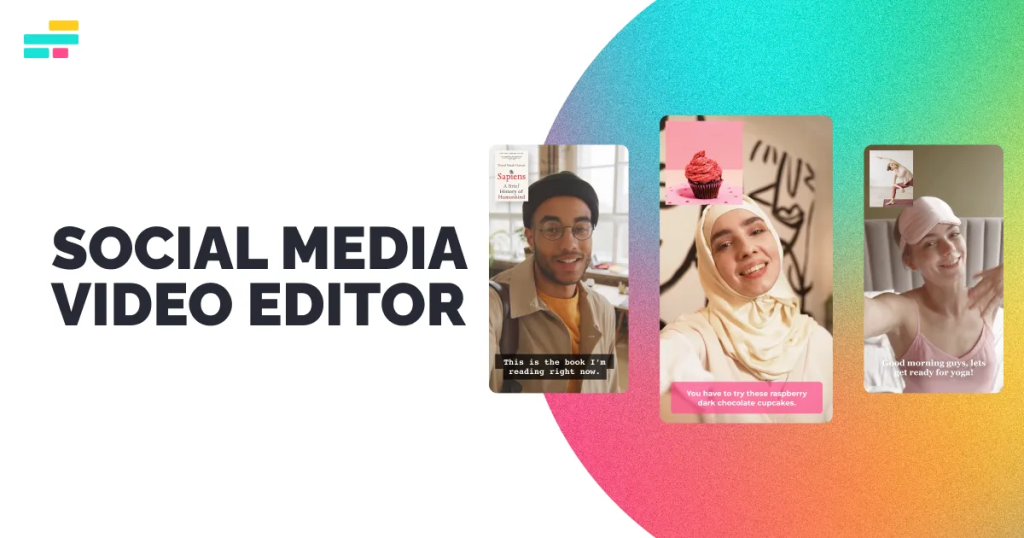
A social media video editor is software or an app designed to create and edit videos specifically for social media platforms. Unlike traditional video editors, these tools focus on features that make content engaging, shareable, and optimized for mobile viewing.
Key features usually include:
- Pre-made templates for stories, posts, and reels
- Easy trimming, cropping, and resizing for different platforms
- Text overlays and stickers
- Transitions, effects, and filters
- Music library and audio editing
Basically, it’s all about making videos fast, fun, and ready to grab attention.
Why You Need a Social Media Video Editor
- Time-Saving: Instead of learning complex software, social media editors let you create professional-looking videos quickly.
- Platform Optimization: Videos can be automatically resized for Instagram, TikTok, Facebook, and YouTube.
- Engagement Boost: Eye-catching effects, transitions, and music increase likes, shares, and comments.
- Branding: Easily add logos, colors, and fonts to keep your videos consistent.
- Accessibility: Many tools offer mobile apps, so you can edit anywhere.
Whether you’re a content creator, influencer, or business, a social media video editor makes your videos stand out.
Best Social Media Video Editors
Here are some of the most popular and effective options:
1. CapCut
- Free and beginner-friendly
- Perfect for TikTok and Instagram Reels
- Built-in effects, transitions, and music library
2. InShot
- Great for mobile editing
- Resize, trim, and add filters easily
- Ideal for Instagram, TikTok, and Facebook
3. Adobe Premiere Rush
- Simplified version of Premiere Pro
- Cross-platform editing (desktop + mobile)
- Professional templates and advanced tools
4. Filmora
- Available for PC and mobile
- Drag-and-drop interface with tons of effects
- Paid version unlocks full features
5. Canva Video Editor
- Template-based editing for beginners
- Add animations, text, and music quickly
- Great for branded content
6. Kinemaster
- Powerful mobile editor
- Multi-layer editing for video, images, and audio
- Advanced effects for creative videos
You may also like it:
Photo Banane Wala Gallery – Best Apps To Edit & Save Photos
APK VN – Download Free & Modded Android Apps Safely
An Editz – Learn Creative Editing For Photos & Videos
Tips for Using a Social Media Video Editor
- Keep it Short and Engaging: Most social media users watch videos for a few seconds.
- Use Captions: Many viewers watch without sound, so text is important.
- Optimize for Mobile: Vertical videos (9:16) work best for Instagram Stories and TikTok.
- Consistency: Stick to your brand colors, fonts, and style.
- Experiment: Try transitions, effects, and music to see what works with your audience.
Final Thoughts
A social media video editor is no longer optional; it’s essential for anyone creating content today. From simple apps like CapCut and InShot to professional tools like Adobe Premiere Rush, there’s an option for every skill level.
The key is to pick one that fits your needs, stay consistent, and focus on creating engaging content that your audience will love.
FAQs – Social Media Video Editor
1. What is a social media video editor?
A social media video editor is a tool or app designed to create and edit videos specifically for social media platforms like Instagram, TikTok, YouTube, and Facebook.
2. Which social media video editor is best for beginners?
CapCut, InShot, and Canva Video Editor are beginner-friendly, offering templates, effects, and easy-to-use tools.
3. Can I use a mobile app as a social media video editor?
Yes, apps like CapCut, InShot, and Kinemaster allow you to edit videos directly on your phone with professional-looking results.
4. Do I need paid software to create good social media videos?
Not necessarily. Free tools like CapCut, InShot, and Canva are powerful enough for most social media content.
5. Which software is good for professional social media videos?
Adobe Premiere Rush, Filmora, and Kinemaster provide advanced features for high-quality editing, perfect for professional creators.
