
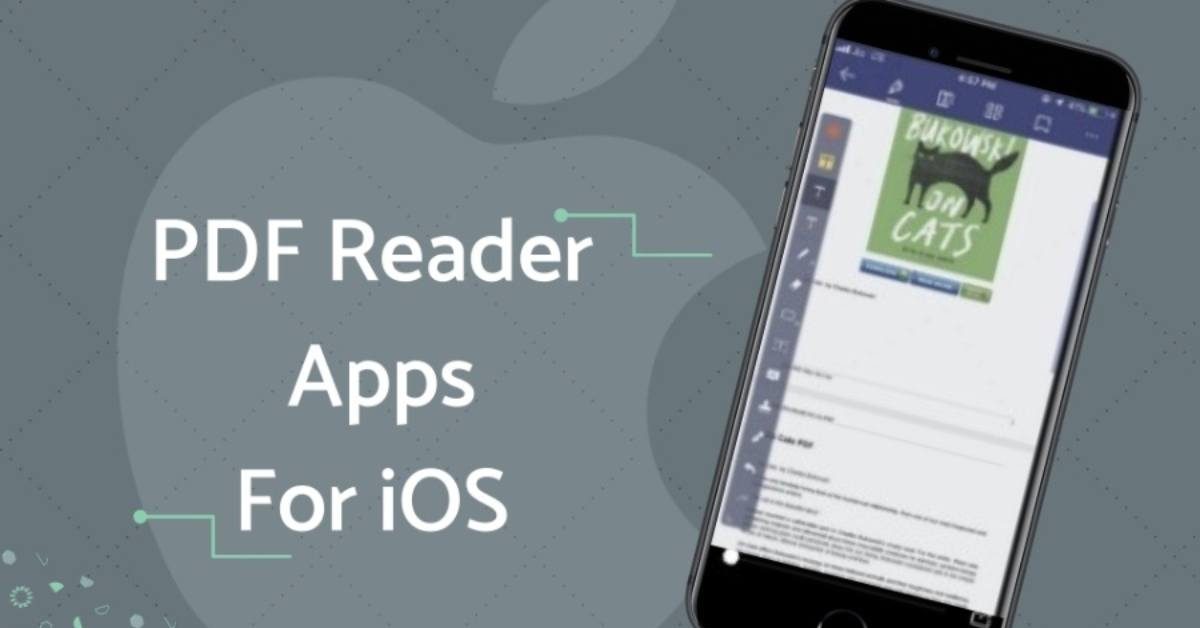
The iPad has become one of the most popular devices for reading and managing digital documents. From students and teachers to business professionals and freelancers, almost everyone uses PDF files for sharing important information. Because of this, having a reliable iPad PDF reader is essential for smooth and easy document access.
An iPad PDF reader allows you to open, view, and read PDF files anytime without needing a computer. Whether it’s study notes, office reports, ebooks, invoices, or forms, you can access everything directly on your iPad with just a few taps. This makes it a powerful tool for both personal and professional use.
Unlike traditional paper documents, PDF files are easy to store, share, and organize. A good PDF reader on iPad helps you navigate through files quickly, search for specific content, and even highlight or bookmark important pages for future use.
In this guide, we will explore what an iPad PDF reader is, why it is useful, its key features, and the best apps available. Whether you are a student looking for study materials or a professional handling business documents, this article will help you choose the right PDF reader for your needs.
What Is an iPad PDF Reader?
An iPad PDF reader is an application that allows you to open, view, and read PDF (Portable Document Format) files directly on your iPad. It is designed to make document reading simple, fast, and convenient without requiring a computer or printing the files.
Simple Definition
In easy words, a PDF reader is a tool that helps you read digital documents. Instead of opening physical papers, you can view everything on your iPad screen in the same format as the original file.
How It Works
An iPad PDF reader works by loading PDF files stored on your device, cloud storage, or email attachments. Once opened, you can:
- Scroll through pages smoothly
- Zoom in and out for better reading
- Search for specific words or content
- Jump to different pages easily
This makes reading long documents much more comfortable and efficient.
PDF Reader vs PDF Editor
Many people confuse a PDF reader with a PDF editor, but they are different tools:
A PDF reader allows you to:
- View PDF files
- Read documents
- Search text
- Bookmark pages
A PDF editor allows you to:
- Edit text and images
- Add comments and annotations
- Fill forms and sign documents
- Modify pages and content
If your main goal is just reading documents, an iPad PDF reader is enough. But if you need to make changes, you may need a PDF editor instead.
Why iPad PDF Readers Are Useful
iPad PDF readers are especially helpful because they combine portability with convenience. You can carry thousands of documents in one device and access them anytime, whether you are at home, school, or traveling.
They are widely used by:
- Students for study materials and notes
- Office workers for reports and contracts
- Readers for ebooks and manuals
- Freelancers for client documents
Final Thoughts
An iPad PDF reader is a simple but powerful tool that makes digital reading easier and more organized. It helps users quickly access important documents and improves productivity in everyday tasks.
you may also like to read these posts;
Stylish Happy Diwali Wishes With Name And Photo Edit – Aarya Editz
Happy Holi Photo Editing Online – Complete Guide – Aarya Editz
AK Editz Logo – A Key To Strong Brand Identity – Aarya Editz
Why Use an iPad PDF Reader?
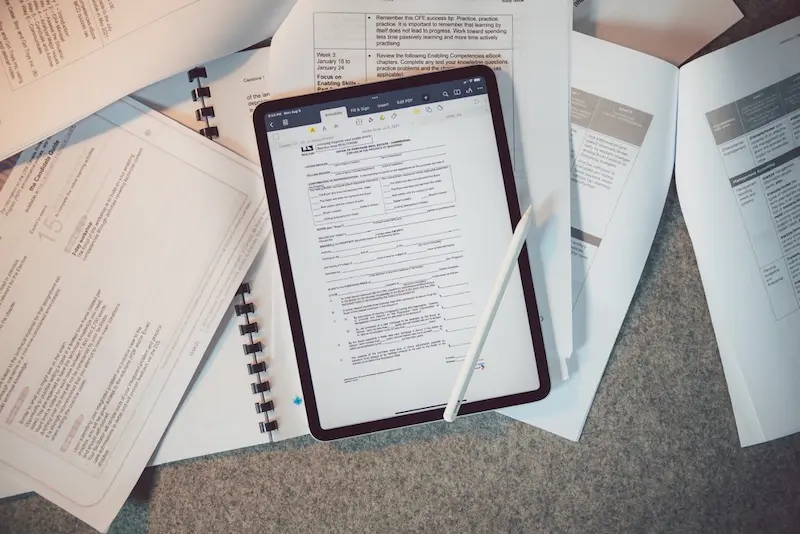
Using an iPad PDF reader makes everyday document handling simple, fast, and more organized. Instead of relying on printed papers or a computer, you can access all your PDF files directly from your iPad anytime and anywhere. This flexibility is one of the main reasons people prefer PDF readers on mobile devices.
Easy Access to Documents Anywhere
One of the biggest advantages of an iPad PDF reader is portability. You can carry hundreds or even thousands of documents in a single device. Whether you are at home, in school, at work, or traveling, your important files are always just a few taps away.
Saves Time and Increases Efficiency
An iPad PDF reader allows you to open files instantly without waiting for long loading times. You can quickly search for information, switch between pages, and find what you need without hassle. This saves valuable time, especially when working with multiple documents.
Perfect for Students and Professionals
Students can use PDF readers to access lecture notes, textbooks, and assignments, while professionals can use them for reports, contracts, and presentations. This makes it a useful tool for almost everyone, regardless of their field.
Supports a Paperless Lifestyle
Using a PDF reader reduces the need for printing documents. Everything can be stored digitally, which helps save paper, reduce clutter, and support an eco-friendly workflow. It also makes organizing files much easier.
Easy File Organization
Most iPad PDF readers come with built-in file management tools. You can organize documents into folders, rename files, and keep everything structured. This makes it simple to find important files whenever you need them.
Quick Sharing Options
Sharing PDF files is very easy with an iPad PDF reader. You can send documents through email, messaging apps, or cloud storage services like iCloud, Google Drive, or Dropbox. This makes collaboration faster and more efficient.
Offline Reading Support
Many PDF readers allow offline access, meaning you can read your documents even without an internet connection. This is especially helpful when you are traveling or in areas with limited connectivity.
Final Thoughts
An iPad PDF reader is more than just a reading tool—it is a complete solution for managing digital documents. It improves productivity, saves time, and makes it easier to stay organized in both personal and professional life.
Key Features of the Best iPad PDF Reader
Choosing the right iPad PDF reader becomes much easier when you know what features to look for. A good PDF reader should not only open documents quickly but also provide useful tools that improve your reading experience and help you stay organized.
Fast and Smooth Performance
A high-quality PDF reader should open files quickly without lag or delays. Whether the file is small or large, the app should run smoothly and provide a stable reading experience without freezing or crashing.
Easy Navigation Tools
Good navigation is essential for comfortable reading. The best iPad PDF readers allow you to:
- Swipe between pages easily
- Zoom in and out smoothly
- Jump to specific pages quickly
- Scroll without interruptions
This makes reading long documents much more convenient.
Powerful Search Function
A search feature helps you find specific words or information within a document in seconds. Instead of reading the entire file, you can simply type a keyword and go directly to the relevant section.
Bookmarking and Page Saving
Bookmarking allows you to save important pages for quick access later. This is very useful for students and professionals who need to revisit key information frequently.
Highlighting and Annotation Tools
Even though the main purpose of a PDF reader is viewing, many apps also offer basic annotation tools such as:
- Highlighting important text
- Adding simple notes
- Marking key sections
These features make studying and reviewing documents much easier.
Cloud Storage Integration
The best iPad PDF readers support cloud storage services like:
- iCloud Drive
- Google Drive
- Dropbox
- OneDrive
This allows you to access your files from any device and keep your documents safely backed up.
Offline Access
Offline reading is an important feature for users who travel often or have limited internet access. A good PDF reader should allow you to open and read downloaded files without needing a connection.
File Organization System
A built-in file manager helps you organize documents into folders, rename files, and keep everything structured. This makes it easier to find important PDFs when needed.
Clean and User-Friendly Interface
A simple and clean design improves the overall user experience. The app should be easy to navigate, even for beginners, without complicated menus or confusing settings.
Security and Privacy Features
Some PDF readers also offer security options like password protection or encrypted files. This helps keep sensitive documents safe from unauthorized access.
Final Thoughts
The best iPad PDF reader should combine speed, simplicity, and useful features that improve productivity. By choosing an app with these key features, you can enjoy a smooth and efficient PDF reading experience on your iPad.
What is the best iPad PDF reader?
The best iPad PDF reader depends on your needs. Popular options include Adobe Acrobat Reader, Apple Books, PDF Expert, Foxit PDF Reader, and GoodReader. Each app offers different features for reading and managing PDF files.
Is there a free PDF reader for iPad?
Yes, many free PDF readers are available for iPad. Apple Books and Adobe Acrobat Reader are popular free options that allow you to open and read PDF files easily.
Can I read PDF files offline on iPad?
Yes, most iPad PDF readers allow offline access. Once you download a file, you can read it anytime without an internet connection.
Conclusion
An iPad PDF reader is an essential tool for anyone who regularly works with digital documents. It makes reading, organizing, and managing PDF files simple, fast, and convenient without needing a computer.
Whether you are a student, teacher, business professional, or casual user, a good PDF reader helps you access important files anytime and anywhere. Features like fast performance, search tools, bookmarking, cloud integration, and offline access make the experience even better.
While iPads already include built-in options like Apple Books, third-party apps offer more advanced features and better flexibility. Choosing the right PDF reader depends on your personal needs and how you use PDF files in your daily life.
In the end, the best iPad PDF reader is the one that is easy to use, reliable, and helps you stay productive while managing your documents efficiently.
