
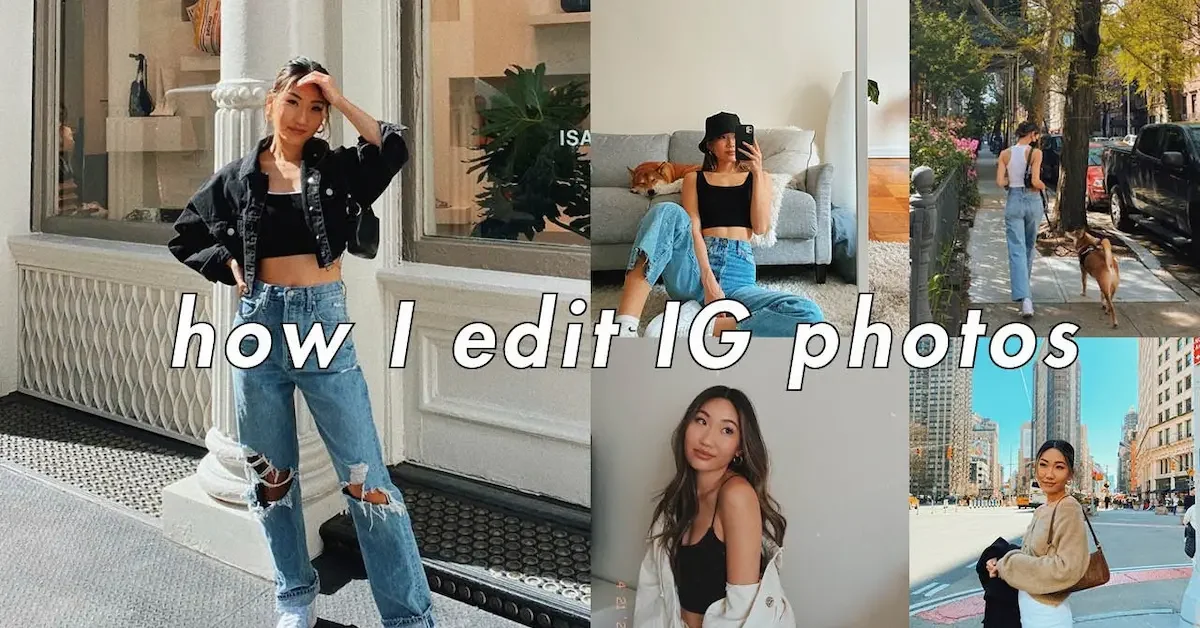
Instagram is one of the most popular platforms for sharing photos, but a little editing can make your pictures look much better before you post them. You do not always need professional editing software to improve your photos. Instagram itself provides useful editing tools that can help you adjust lighting, colors, sharpness, and the overall look of your picture.
If you are wondering how to edit photos on Instagram, the process is quite simple. You can select a photo from your phone, crop it, apply a filter, and make small adjustments to brightness, contrast, saturation, warmth, highlights, and shadows. These tools allow you to create a photo that looks clear, attractive, and suitable for your Instagram feed.
In this guide, we will explain how to edit photos on Instagram step by step. Whether you are a beginner or simply want to make your Instagram photos look more polished, these easy tips will help you edit your pictures with confidence.
How to Edit Photos on Instagram
Editing a photo on Instagram is simple, even if you are a beginner. Instagram offers several built-in tools that let you improve your picture without using another editing app. You can make basic changes to the photo and create a look that matches your style.
Open Instagram and Select Your Photo
Start by opening the Instagram app and tapping the + button to create a new post. Choose the photo you want to edit from your phone’s gallery. After selecting the picture, tap Next to move to the editing screen.
Choose a Filter
Instagram provides different filters that can quickly change the appearance of your photo. Tap a filter to preview its effect and choose one that suits your picture. If the effect looks too strong, you can adjust the filter intensity to keep the photo looking natural. How To Edit Photos On Instagram
Adjust Your Photo
After choosing a filter, use Instagram’s editing options to make more precise changes. You can adjust settings such as brightness, contrast, saturation, warmth, highlights, shadows, and sharpness. Small adjustments are usually enough to make a photo clearer and more attractive.
Check Your Final Edit
Before posting, take a moment to look at the complete photo. Make sure the colors do not look too strong and that important details are still visible. Once you are happy with the result, continue to the caption and sharing screen to publish your edited photo.
Select a Photo on Instagram
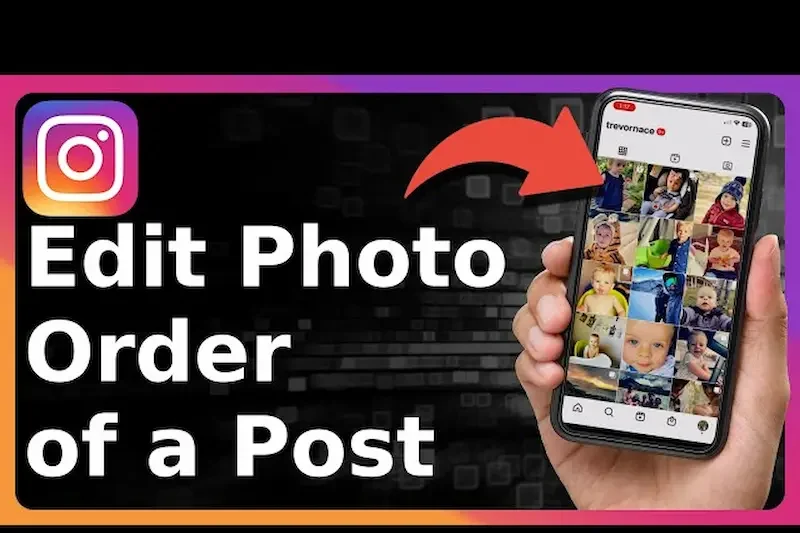
The first step in learning how to edit photos on Instagram is choosing the right photo. Open Instagram and tap the + button to create a new post. Your phone gallery will appear, allowing you to select the picture you want to edit.
Choose a Clear and Good-Quality Photo
Try to select a photo that is clear, well-lit, and not blurry. A good-quality original photo gives you more flexibility when making edits. If the picture is too dark or unclear, heavy editing may not always produce the best result. How To Edit Photos On Instagram
Check the Photo Before Editing
After selecting your photo, look at the composition and decide whether it needs cropping or resizing. Check that the main subject is positioned properly and that there are no unnecessary objects distracting from the picture.
Select the Right Photo for Your Instagram Post
Think about the type of post you want to create. A portrait photo may work better with a vertical format, while a landscape picture can look better in a wider frame. Choosing the right image and format at the beginning makes the rest of the editing process easier.
Crop and Resize Your Photo
Cropping and resizing are important parts of how to edit photos on Instagram. Even a good picture can look better when you remove unwanted areas and choose a suitable frame. Instagram makes it easy to adjust your photo before sharing it.
Make Your Photos Stand Out on Instagram
Good editing can help your photos get more attention on Instagram, but you do not need to make dramatic changes. Focus on improving the lighting, keeping colors balanced, and making the main subject easy to notice. A clean and natural edit usually looks more appealing than a photo with too many effects. With a little practice, you can learn how to edit photos on Instagram and develop an editing style that makes your posts look more polished and consistent.
Crop Unwanted Areas
If your photo has extra space around the main subject, cropping can help make the picture look cleaner. You can remove distracting objects or unnecessary background while keeping the main part of the photo visible.
Choose the Right Aspect Ratio
Instagram supports different photo formats, so choose a frame that suits your picture. A vertical photo can work well for portraits, while a wider format may be better for landscapes. Make sure the important part of the image does not get cut off. Learn how to edit photos on Instagram with simple tips for filters, cropping, brightness, contrast, colors, and more for better-looking posts. How To Edit Photos On Instagram
Keep the Main Subject Centered
When cropping, pay attention to the position of the main subject. Try to keep the person, object, or important detail in a natural position within the frame. A balanced crop can make your photo more attractive and easier to view.
Avoid Over-Cropping
Do not crop too much unless it is necessary. Excessive cropping can remove important details and may reduce the quality of the image. Keep enough of the original photo to make the final result look natural.
Adjust Brightness and Contrast
Brightness and contrast can make a big difference when you are learning how to edit photos on Instagram. These simple adjustments can help a dark or flat photo look clearer, brighter, and more balanced.
Increase or Decrease Brightness
If your photo looks too dark, increase the brightness slightly to make the details easier to see. If the picture is already very bright, lowering the brightness can help create a more balanced appearance. Avoid making large changes because the photo may lose natural details. How To Edit Photos On Instagram
Adjust the Contrast
Contrast controls the difference between the lighter and darker parts of your photo. Increasing contrast can make the image look sharper and more defined, while reducing it can create a softer appearance.
Keep the Edit Natural
The best Instagram edits often use small adjustments rather than extreme changes. Move the brightness and contrast sliders gradually and compare the result with the original photo. This helps you create a clean and natural-looking image.
Match Brightness With the Photo
Every photo needs a different level of adjustment. A sunset picture may look better with slightly lower brightness, while an indoor photo may need a little more brightness. Experiment with the settings until the photo looks clear and suits the mood you want.
Use Instagram Filters
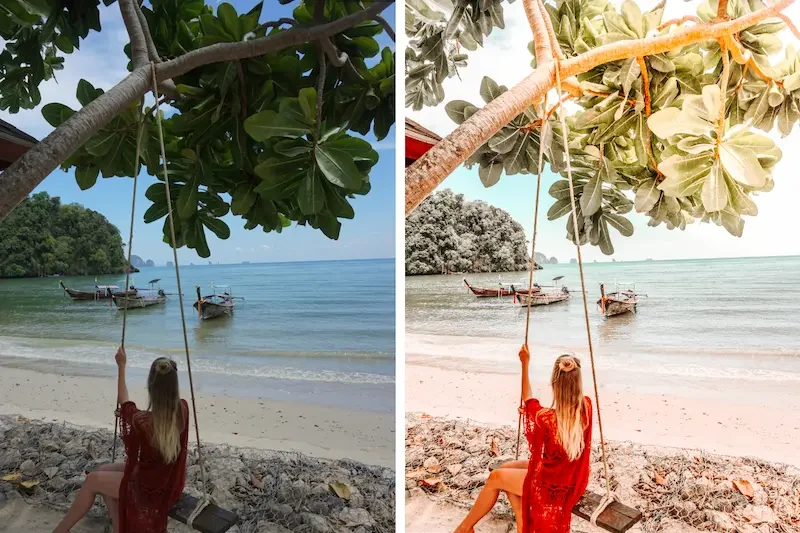
Instagram filters are one of the easiest ways to change the overall appearance of a photo. When learning how to edit photos on Instagram, filters can help you create a specific mood or style with just a single tap. How To Edit Photos On Instagram
Choose a Filter That Matches Your Photo
After selecting your photo, swipe through the available filters and preview how each one looks. Some filters can make colors brighter, while others can give your picture a softer, darker, or warmer appearance. Choose a filter that complements the subject and lighting of your photo.
Adjust Filter Intensity
You do not have to use a filter at full strength. If the effect looks too strong, lower its intensity to create a more natural result. A lighter filter can improve the photo without making it look heavily edited.
Avoid Using Too Many Filters
Using different filters repeatedly can make your photo look unnatural. It is usually better to choose one filter and make small adjustments rather than applying several strong effects. Keep the final image close to its original look when you want a clean and realistic style.
Create a Consistent Instagram Style
If you regularly post photos on Instagram, using similar filters and editing settings can give your feed a more consistent appearance. You can experiment with different styles and find a filter that works well with most of your pictures. How To Edit Photos On Instagram
Can I edit photos directly on Instagram?
Yes, Instagram has built-in editing tools that let you crop photos, apply filters, and adjust settings such as brightness, contrast, saturation, warmth, highlights, and shadows.
How do I edit photos on Instagram before posting?
Select a photo for a new post, tap Next, choose a filter if you want one, and use the editing tools to make adjustments. When you are satisfied, continue to the sharing screen.
Which Instagram filter is best for photos?
There is no single best filter for every photo. Choose a filter that matches your lighting, colors, and the mood you want. You can also reduce the filter intensity for a more natural look.
Conclusion
Learning how to edit photos on Instagram is simple when you understand the basic editing tools. You can start by choosing a clear photo, cropping it properly, applying a suitable filter, and adjusting brightness, contrast, and other settings.
The key is to keep your edits balanced and natural. Small changes can make your photos look cleaner and more attractive without making them appear over-edited. Try different tools and editing styles to find what works best for your photos and Instagram feed. Learn how to edit photos on Instagram with simple tips for filters, cropping, brightness, contrast, colors, and more for better-looking posts.
