
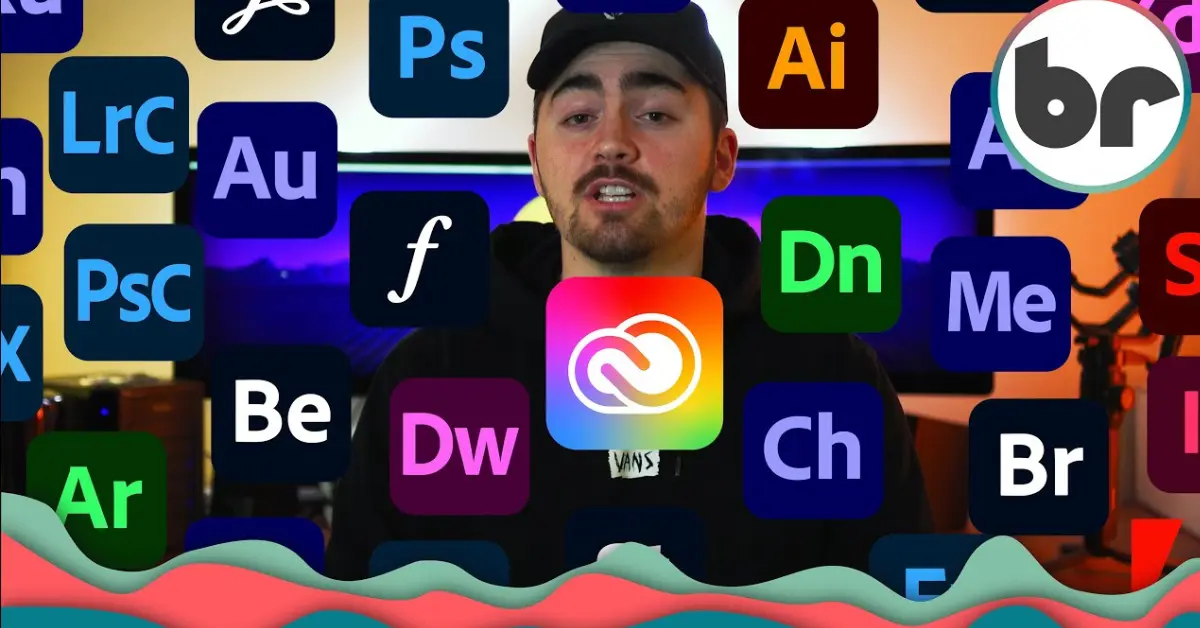
If you’ve ever checked the pricing for Adobe products and immediately wondered, why is Adobe so expensive, you’re definitely not the only one asking this question. Many students, freelancers, beginner designers, photographers, and even experienced professionals are often surprised when they see Adobe’s monthly or yearly subscription costs.
At first glance, it may feel like Adobe charges too much for software. After all, there are many free or cheaper alternatives available today. So why do millions of people still continue paying for Adobe products every month?
The answer is more detailed than simply saying “because it’s popular.” Adobe’s pricing is based on years of market leadership, advanced technology, constant innovation, professional-grade features, and an entire ecosystem built for creative professionals.
In this detailed article, we’ll break down exactly why Adobe costs so much, what you’re actually paying for, whether it’s worth the money, and what alternatives you can consider if Adobe feels out of your budget.
What Is Adobe?
Before understanding why Adobe is expensive, it helps to know what Adobe actually offers.
Adobe is one of the biggest software companies in the world, specializing in creative and digital media tools.
Some of its most popular products include:
- Adobe Photoshop for photo editing
- Adobe Illustrator for graphic design
- Adobe Premiere Pro for video editing
- Adobe After Effects for animation
- Adobe InDesign for layouts
- Adobe Acrobat for document editing
These tools are widely used by:
- Professional photographers
- Graphic designers
- Marketing agencies
- Video editors
- Publishing companies
- Social media creators
- Large corporations
Adobe isn’t just selling software—it’s selling industry-standard professional solutions.
Why Is Adobe So Expensive?
Let’s explore the real reasons behind Adobe’s high pricing.
1. Adobe Dominates the Creative Industry
One of the biggest reasons why Adobe is so expensive is simple: Adobe dominates its market.
For decades, Adobe has built a reputation as the industry standard for creative work.
If you work in:
- Graphic design
- Photography
- Video production
- Digital marketing
- Publishing
There’s a high chance employers expect familiarity with Adobe software.
Because Adobe has become deeply embedded in professional workflows, it has pricing power.
This is similar to how some other major software companies charge premium prices because their products are considered essential in their industries.
Adobe knows many professionals depend on its tools to earn income.
2. Adobe Products Are Extremely Advanced
Adobe software is not basic editing software.
Its tools offer highly advanced features designed for professionals.
For example, in Adobe Photoshop, users can:
- Edit images at pixel level
- Work with complex masks
- Use advanced retouching tools
- Apply AI-powered enhancements
- Manage color profiles professionally
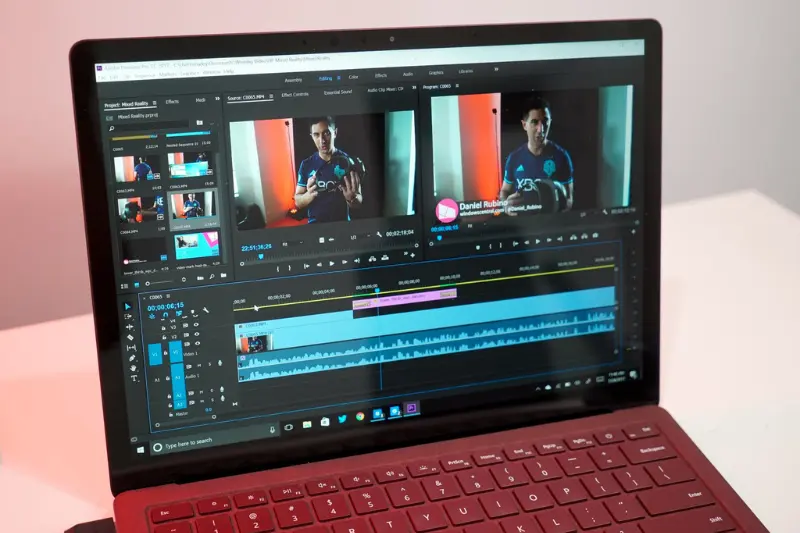
In Adobe Premiere Pro, users can:
- Edit 8K footage
- Perform advanced color grading
- Add professional effects
- Integrate audio editing
- Collaborate on large-scale productions
Developing and maintaining these advanced features requires massive engineering resources.
That cost gets passed on to customers.
3. Adobe Invests Heavily in Research and Development
A major reason why Adobe is expensive is its continuous investment in innovation.
Adobe spends enormous amounts on:
- Software development
- Artificial intelligence
- Security updates
- Cloud systems
- New feature testing
- User experience improvements
For example, Adobe’s AI platform, Adobe Firefly, introduces advanced generative AI tools.
Developing AI systems requires:
- Large technical teams
- Data processing infrastructure
- Continuous training
- Expensive computing resources
These investments increase Adobe’s overall operating costs.
4. Adobe Uses a Subscription Model
This is one of the most discussed reasons why Adobe is so expensive.
In the past, Adobe sold software through one-time purchases.
You could buy a version and keep using it forever.
Now, Adobe uses the Creative Cloud subscription model.
This means users pay:
- Monthly
- Annually
Instead of paying once.
Why did Adobe switch?
The subscription model provides Adobe with:
Predictable Revenue
Recurring subscriptions create steady income.
Continuous Updates
Users always get the newest version.
Better Customer Retention
Once users rely on Adobe, they often keep subscribing.
From a business perspective, this model is highly profitable.
For users, however, it often feels expensive over time.
A $20–$60 monthly subscription may not seem huge initially, but over years it adds up significantly.
5. Adobe Offers an Entire Creative Ecosystem
Adobe is not just individual software tools.
It’s an interconnected ecosystem.
For example:
You can:
- Edit a photo in Photoshop
- Import it into Illustrator
- Use it in InDesign
- Add animation in After Effects
- Export into Premiere Pro
This seamless workflow is extremely valuable for professionals.
Adobe also offers:
- Shared libraries
- Cloud syncing
- Cross-device editing
- Team collaboration
- File version history
Building this ecosystem requires major infrastructure investment.
That contributes to higher pricing.
6. Adobe Includes Cloud Storage and Services
When you pay for Adobe, you’re not only paying for desktop software.
You’re also paying for cloud services like:
- File storage
- Syncing
- Asset libraries
- Team sharing
- Font access through Adobe Fonts
Maintaining secure cloud infrastructure costs a lot.
Adobe operates servers globally to ensure:
- Fast access
- Reliable syncing
- Data backup
- Security protection
These operational expenses are built into subscription pricing.
7. Adobe Provides Frequent Updates
Unlike traditional software, Adobe updates products regularly.
Users receive:
- New tools
- Performance improvements
- Bug fixes
- Security patches
- Feature enhancements
For example, Adobe often introduces:
- AI-powered editing tools
- Faster rendering
- Improved compatibility
- Workflow automation
Constant development requires dedicated teams working year-round.
This is another key reason why Adobe is expensive.
8. Professional Customer Base Supports Premium Pricing
Adobe’s primary target audience is professionals and businesses.
Large companies often purchase multiple licenses for teams.
For agencies and corporations, Adobe’s cost is often viewed as a business expense.
Because enterprise customers can afford higher prices, Adobe doesn’t need to compete aggressively on affordability for casual users.
This allows Adobe to maintain premium pricing.
9. Adobe Has Strong Brand Value
Brand reputation matters.
Adobe has spent decades building trust.
When clients hire designers or editors, they often expect Adobe-compatible files.
For example:
A client may request:
- PSD files
- AI files
- INDD files
This widespread adoption creates strong demand.
People pay more because Adobe is trusted and universally recognized.
10. Switching Costs Keep Users Paying
Once someone learns Adobe tools deeply, switching becomes difficult.
Learning alternatives requires:
- Time
- Practice
- Workflow adjustments
- Compatibility changes
Professionals often stay with Adobe because switching would disrupt productivity.
Adobe knows this.
And this loyalty supports premium pricing.
Is Adobe Actually Worth the Price?
Whether Adobe is worth it depends on your needs.
Adobe Is Worth It If You:
Work Professionally
If your income depends on creative software, Adobe often pays for itself.
Need Industry Compatibility
Adobe files are accepted almost everywhere.
Require Advanced Features
Adobe offers tools many competitors still cannot match.
Collaborate With Teams
Its ecosystem is excellent for professional collaboration.
Adobe May Not Be Worth It If You:
Are a Beginner
You may not need all the advanced features.
Use It Occasionally
Paying monthly may not make sense.
Need Basic Editing Only
Cheaper tools can handle simple tasks.
Cheaper Alternatives to Adobe
If Adobe feels too expensive, here are solid alternatives.
For Graphic Design
Canva
Easy for beginners.
Best for:
- Social media graphics
- Simple designs
- Templates
Affinity Designer
One-time purchase.
Best for:
- Vector design
- Branding work
For Photo Editing
GIMP
Free and open-source.
Good for:
- Basic to intermediate editing
For Video Editing
DaVinci Resolve
Very powerful free version.
Excellent for:
- Video editing
- Color grading
How to Save Money on Adobe
If you need Adobe but want to spend less:
Use Student Discounts
Adobe often offers discounted educational plans.
Choose Single-App Plans
Instead of full Creative Cloud, subscribe only to what you need.
Watch for Seasonal Deals
Adobe frequently offers discounts during promotions.
Share Team Plans Carefully
Businesses sometimes split costs legally through organizational licenses.
Final Thoughts: Why Is Adobe So Expensive?
So, why is Adobe so expensive?
The answer comes down to several factors:
- Industry leadership
- Advanced professional tools
- Continuous updates
- Cloud services
- Ecosystem integration
- Brand reputation
- Subscription business model
Adobe isn’t simply charging for software.
It’s charging for reliability, professional-grade performance, and a complete creative platform.
For professionals, the cost often makes sense because Adobe helps generate income.
For casual users or beginners, though, cheaper alternatives may offer better value.
Before subscribing, ask yourself:
Do you truly need Adobe’s advanced capabilities, or would a more affordable alternative work just as well?
That question will help you decide whether Adobe’s price is justified for your specific needs.
FAQs: Why Is Adobe So Expensive?
1. Why is Adobe so expensive compared to other software?
Adobe is more expensive because it offers professional-grade tools, constant updates, cloud services, and an entire creative ecosystem. Most cheaper tools don’t provide the same level of features or industry compatibility.
2. Why does Adobe use a subscription model?
Adobe uses a subscription model to provide continuous updates, cloud storage, and access to multiple apps. This model also ensures users always have the latest version instead of buying software once and never updating.
3. Is Adobe worth the price?
Adobe is worth it if you’re a professional or rely on tools like Adobe Photoshop or Adobe Premiere Pro for work. For beginners or casual users, it may feel expensive and unnecessary.
4. Can I use Adobe for free?
Adobe offers free trials for most of its apps, but long-term use requires a paid subscription. Some limited free tools are also available, but they don’t include full features.
5. Why is Adobe Photoshop so expensive?
Adobe Photoshop is expensive because it includes advanced editing tools, AI features, high-resolution support, and is widely used as the industry standard for photo editing.
